Audio visualizer maker
Turn your song into a music visualizer
Upload a track, pick a spectrum, waveform, ring or 3D visualizer and watch it move to every beat. Tune it live in your browser, then export an MP4 for YouTube, TikTok or Instagram.
Free to try. No subscription — pay only when you export. From $1.49 per video.
Audio visualizer templates
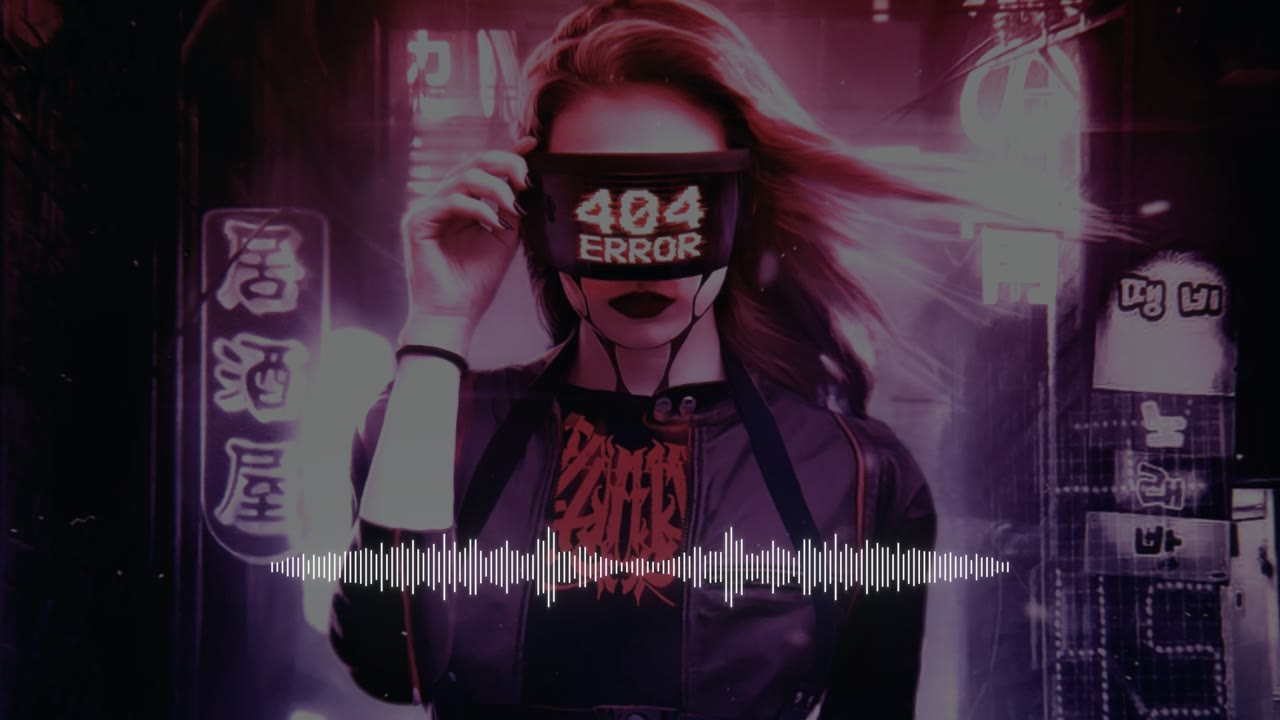
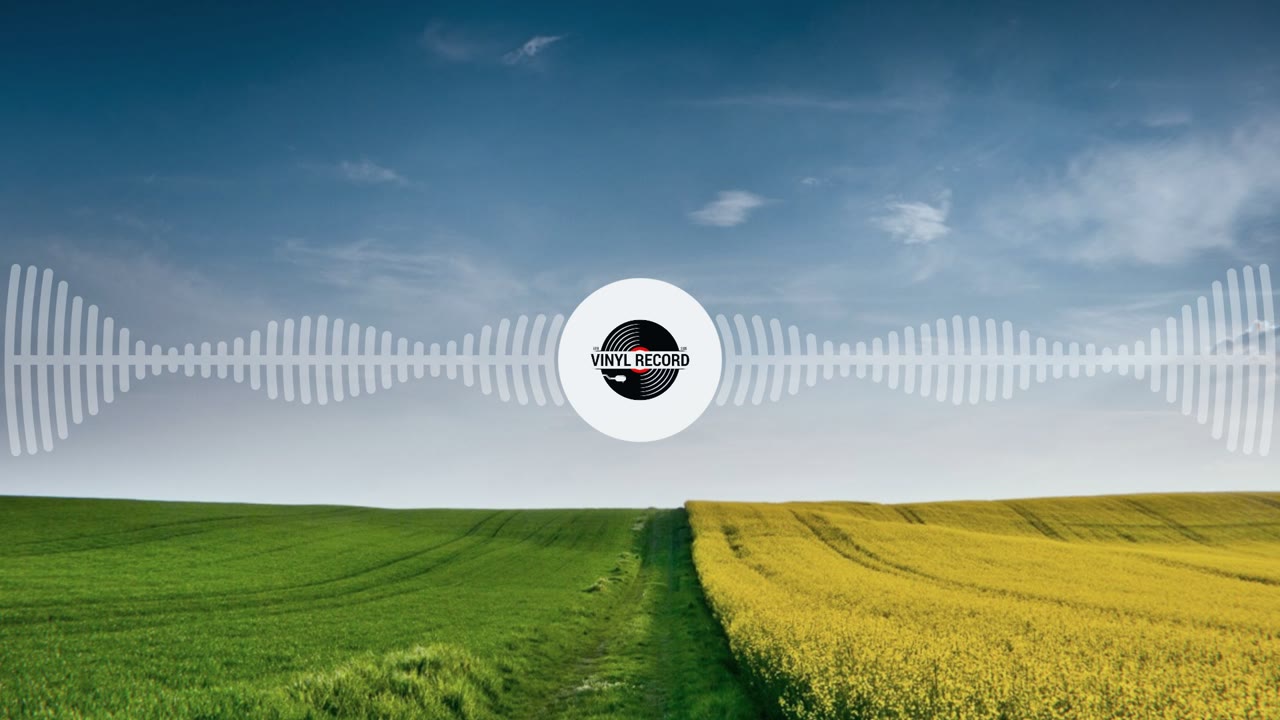
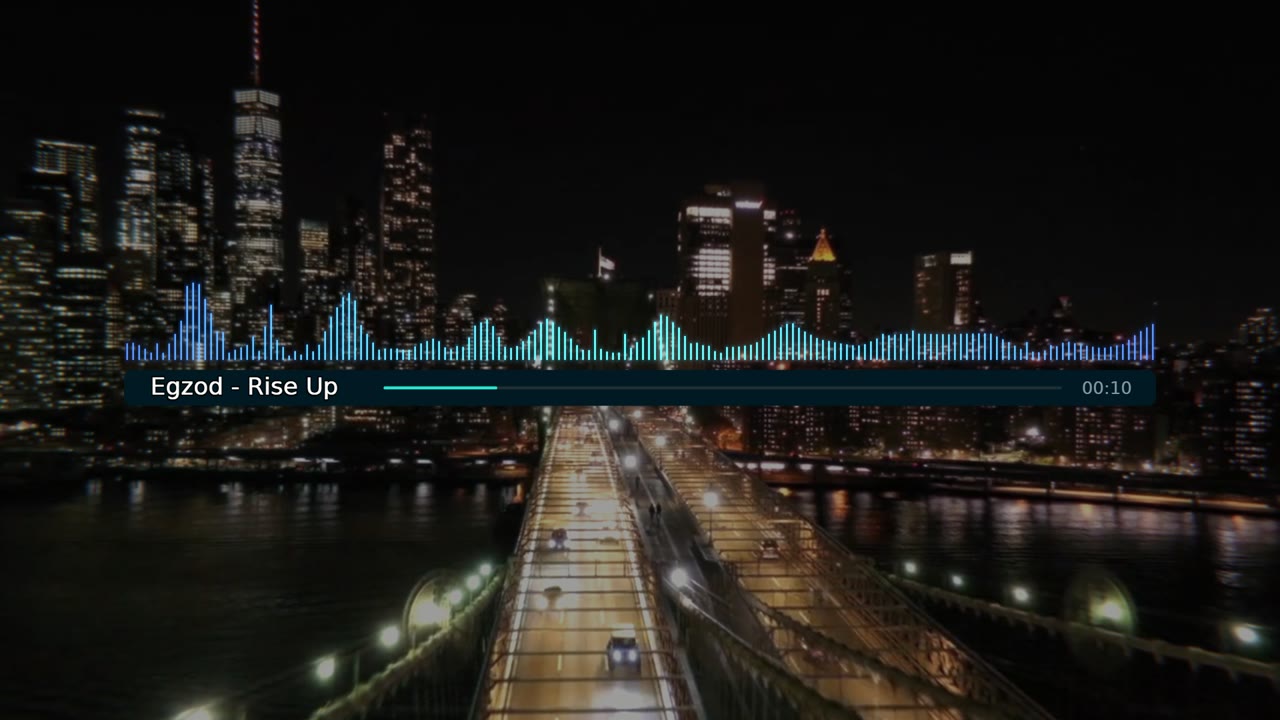
Every template is a real visualizer driven by your audio. Watch a demo, or start from it with your own song.



How to make a music visualizer
- 1
Upload your track
An MP3, WAV, FLAC or M4A file up to 10 minutes long. On a phone you can also pick a video and use its sound.
- 2
Pick a visualizer and make it yours
Choose a look, then change its colours and add your cover art, a background and text while the preview plays your song.
- 3
Export the video
Choose 16:9, 9:16 or 1:1 and a quality up to 1440p at 60 fps. Pay once for that video — no watermark, no subscription.
Everything an audio visualizer needs
Moves to your music
Bars, waves and particles follow your track's frequencies and beats, measured from the audio itself — not a loop that ignores the song.
Spectrum, waveform, ring or 3D
Spectrum bars, mirrored waveforms, neon rings, vinyl and particle nebulas — each one hand-built, each with a live preview.
Your cover art, logo and titles
Put your cover art at the centre of the visualizer and add your logo, artist name and track title where you want them.
Photo or video backgrounds
Place a picture, your own video clips or a slideshow of up to 50 photos behind the visualizer, with effects that pulse on the beat.
Vertical, wide and square
9:16 for TikTok, Reels and Shorts, 16:9 for YouTube, 1:1 for feeds — the same project exports to all three.
Live preview, nothing to install
It runs in your browser on a computer or a phone. Every change plays back instantly, and previewing is free.
From $1.49 per video. No subscription.
Upload, edit and preview for free. When your video is ready, pay once for the quality you want — Full HD or 1440p, no watermark, nothing recurring.
See full pricingQuestions
Is the music visualizer free?
Making and previewing your visualizer is free. You pay once for each video you export, from $1.49 — there is no subscription and no watermark.
Can I make an audio visualizer online, without software?
Yes. Melo.Video runs in your browser on Windows, Mac, Linux, Android or iPhone — there is nothing to download or install.
Which audio files can I use?
MP3, WAV, FLAC, M4A, AAC and OGG, up to 10 minutes long. On a phone you can also pick a video and use its sound as the song.
Can I upload the video to YouTube or TikTok?
Yes. You download a standard MP4 that YouTube, TikTok, Instagram and Facebook accept as it is. Make sure you have the rights to the music you publish.
What quality is the video?
Full HD at 30 or 60 frames per second, or 1440p at 60 — in 16:9, 9:16 or 1:1. You choose when you export.
More ways to make a video
Your track deserves a visualizer
Upload a song and watch it come alive in the editor — you only pay for the video you export.
Free to try. No subscription — pay only when you export. From $1.49 per video.