MP3 to MP4 converter
Turn your MP3 into an MP4 video
Add a picture, your cover art or a visualizer that moves to the sound, and get a video file YouTube, TikTok and Instagram accept — made in your browser, nothing to install.
Free to try. No subscription — pay only when you export. From $1.49 per video.
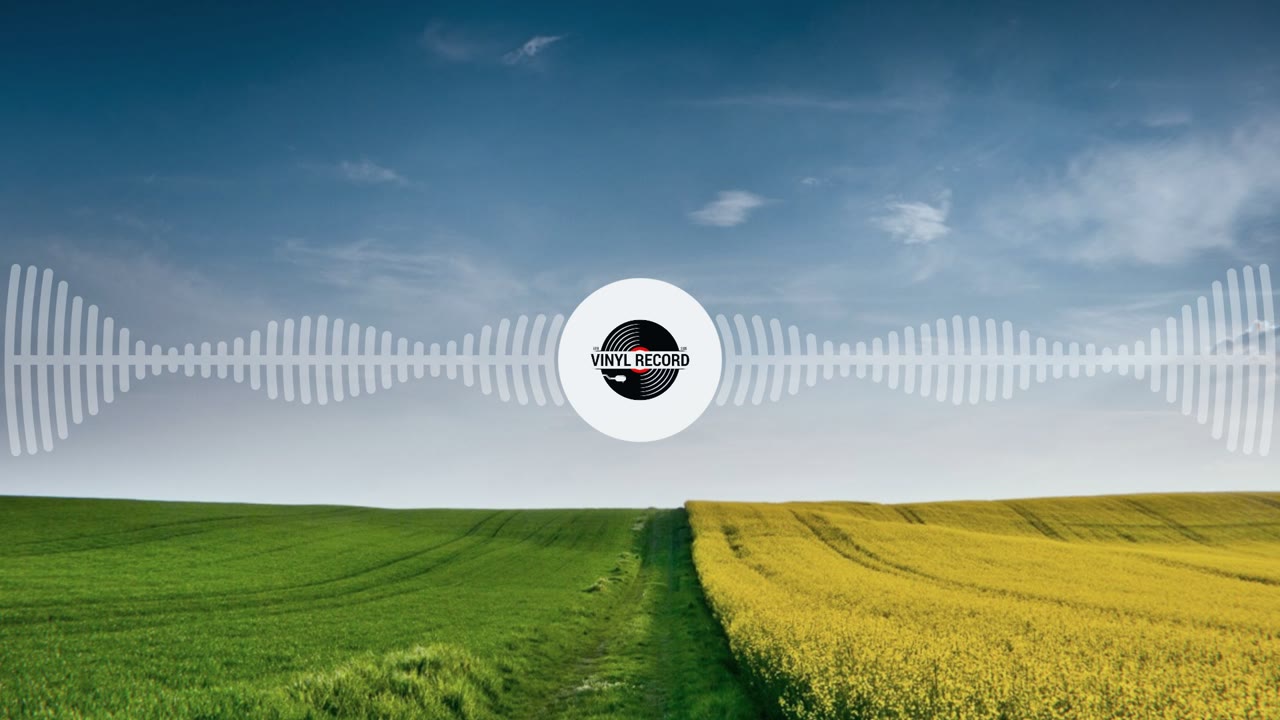
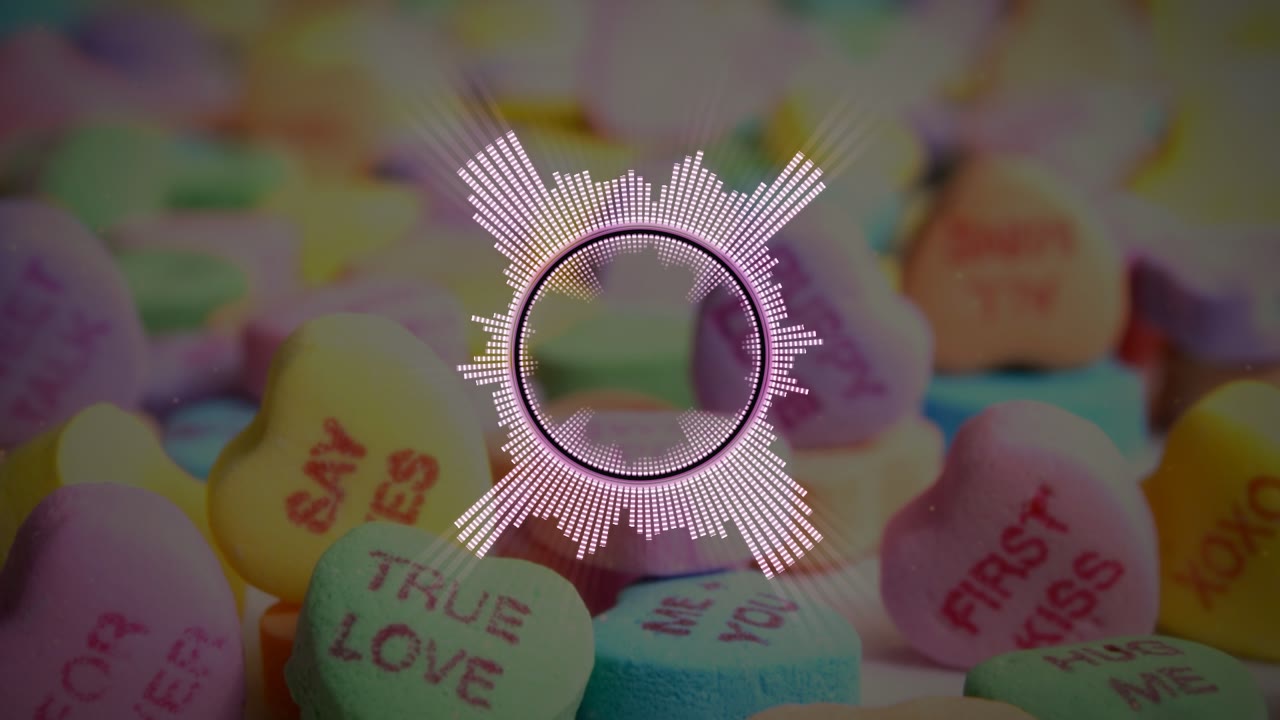
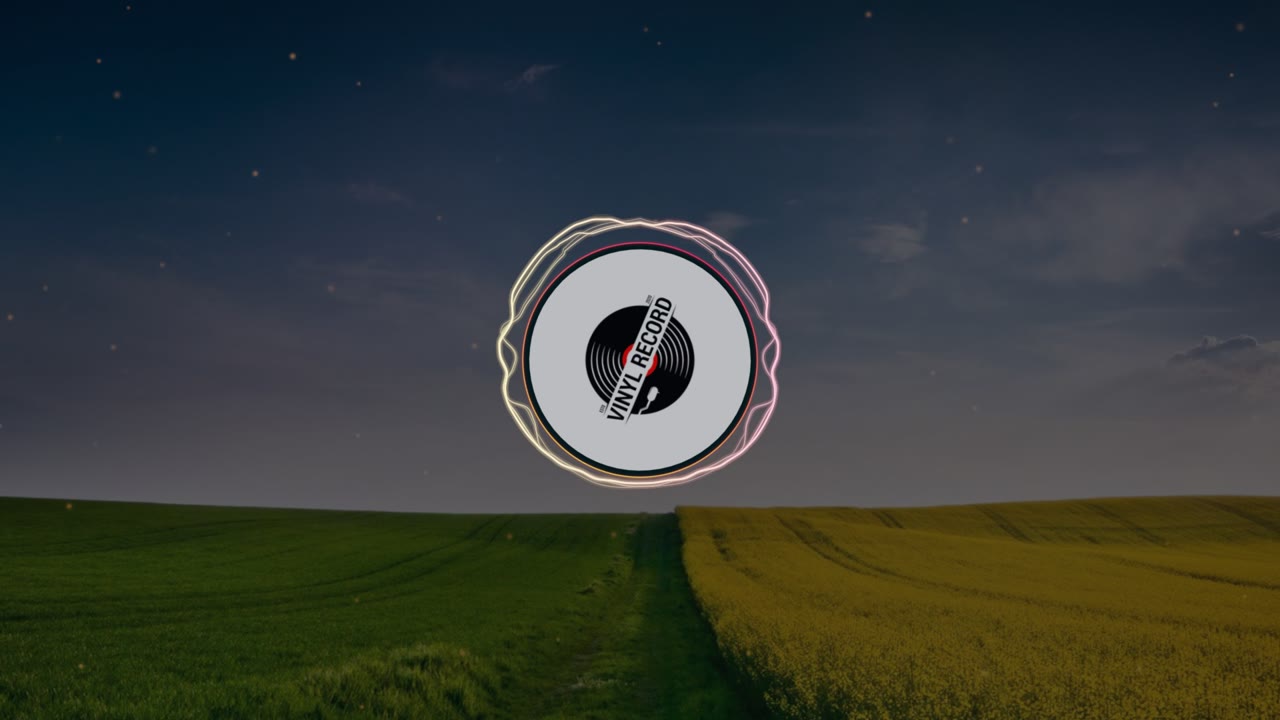
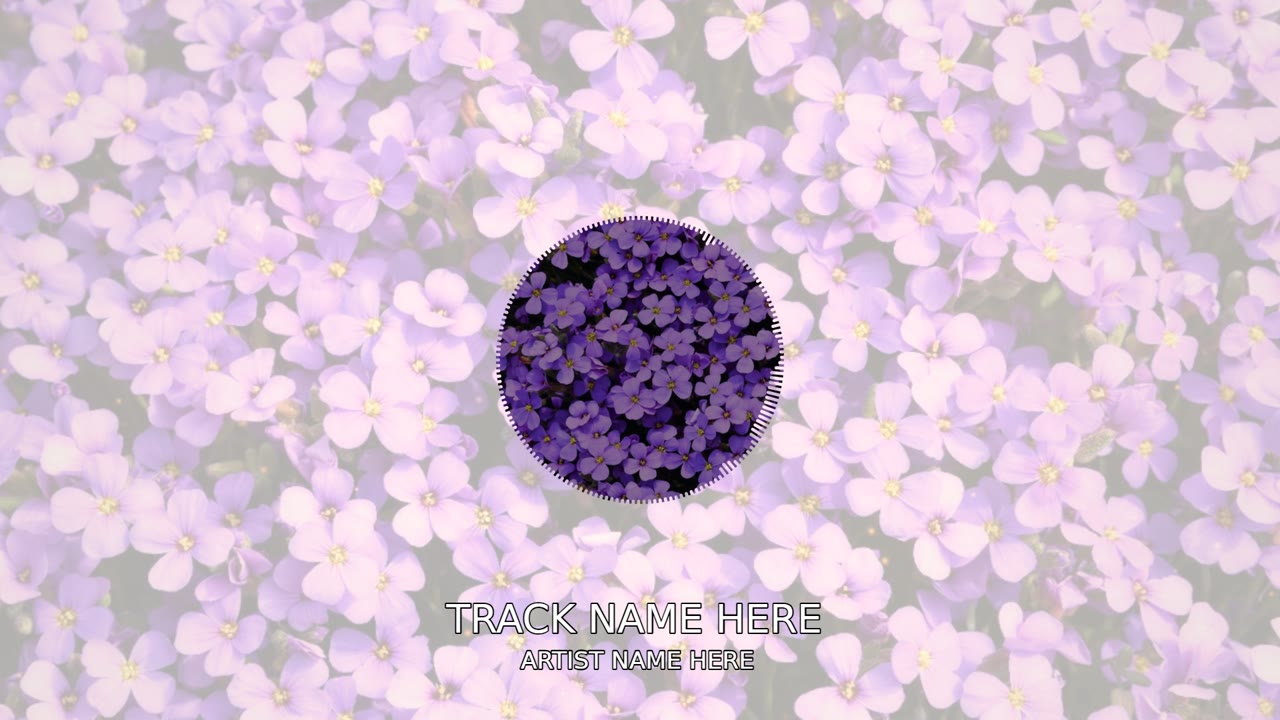
Pick a look for your audio
From your picture with a subtle waveform to a full visualizer — each one previews live with your sound.


How to convert MP3 to MP4
- 1
Upload your audio
An MP3, WAV, FLAC, M4A or OGG file up to 10 minutes long.
- 2
Add a picture
Use your cover art or any photo as the background — or up to 50 photos as a slideshow. Add a visualizer, a title or lyrics if you like.
- 3
Download the MP4
Pick 16:9 for YouTube or 9:16 for TikTok and Reels, pay once for that video and download an MP4 with no watermark.
More than a plain converter
Your audio with a picture
Your cover art or photo fills the frame, cropped for each format, so the video never shows a black screen.
Animated, not static
Add a spectrum, waveform or ring that moves with the sound, so viewers see your audio play.
Ready for YouTube
A standard MP4 in Full HD or 1440p that YouTube, TikTok, Instagram and Facebook accept as it is.
Titles and lyrics
Add the song title, the artist name and synced lyrics or subtitles over the picture.
Songs, beats and voice
Any audio works: songs, instrumentals, podcast clips, voice memos and narration up to 10 minutes long.
Nothing to install
Works in the browser on a computer or a phone. The preview is free — you pay only for the video you download.
From $1.49 per video. No subscription.
Upload, edit and preview for free. When your video is ready, pay once for the quality you want — Full HD or 1440p, no watermark, nothing recurring.
See full pricingQuestions
Is it free to convert MP3 to MP4?
Uploading and previewing are free. Downloading the finished MP4 is a one-time payment from $1.49 per video — no subscription, no watermark.
Can I add a picture to my MP3?
Yes. Upload a picture or your cover art and it becomes the background of the video. You can also add several photos as a slideshow.
How do I put an MP3 on YouTube?
YouTube only accepts video files. Upload your MP3 here, add a picture or a visualizer, export the MP4 and upload that to YouTube.
Which audio formats are supported?
MP3, WAV, FLAC, M4A, AAC and OGG, up to 10 minutes long. On a phone you can also use the sound of a video you recorded.
What video quality do I get?
Full HD at 30 or 60 frames per second, or 1440p at 60 — in 16:9, 9:16 or 1:1.
More ways to make a video
Give your audio a picture
Upload an MP3 and preview your video free — pay only when you download the MP4.
Free to try. No subscription — pay only when you export. From $1.49 per video.