Music video maker
Make a music video for your song
Upload a track, choose a look and add your own video clips, photos, lyrics and cover art. Everything moves to the music in a live preview, and you export a finished MP4 for YouTube, TikTok or Instagram.
Free to try. No subscription — pay only when you export. From $1.49 per video.
Start from a template
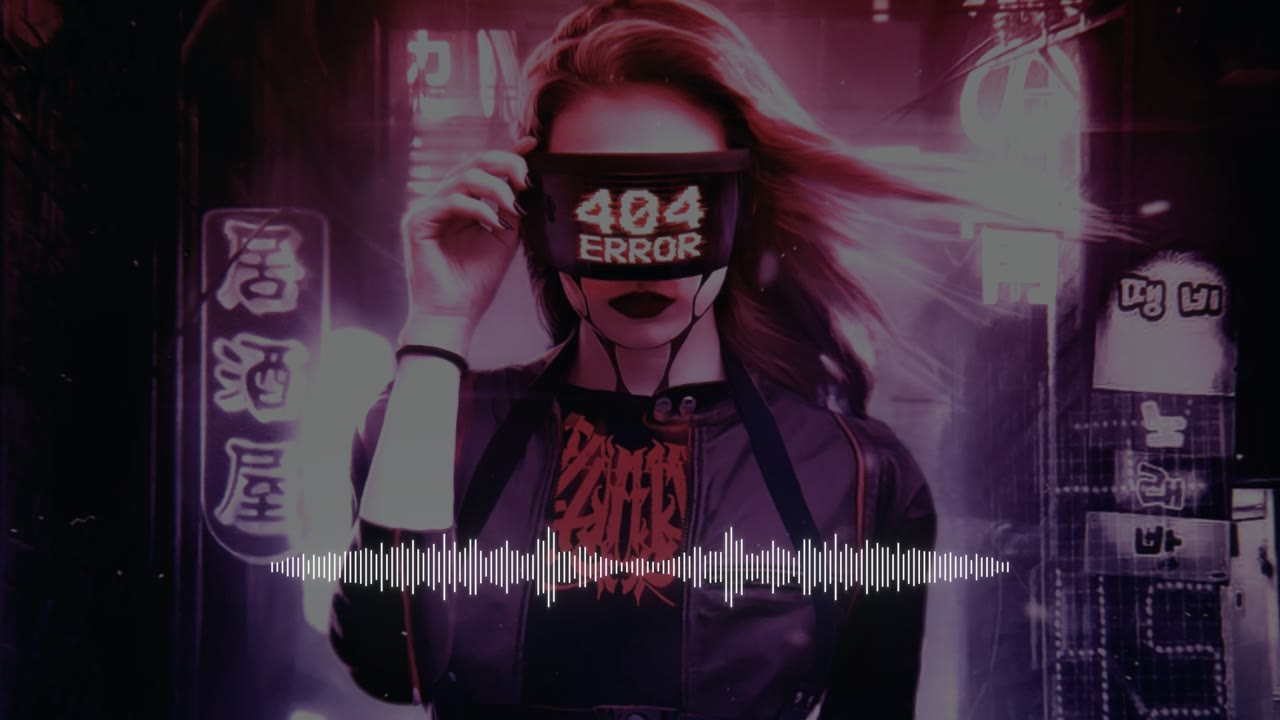
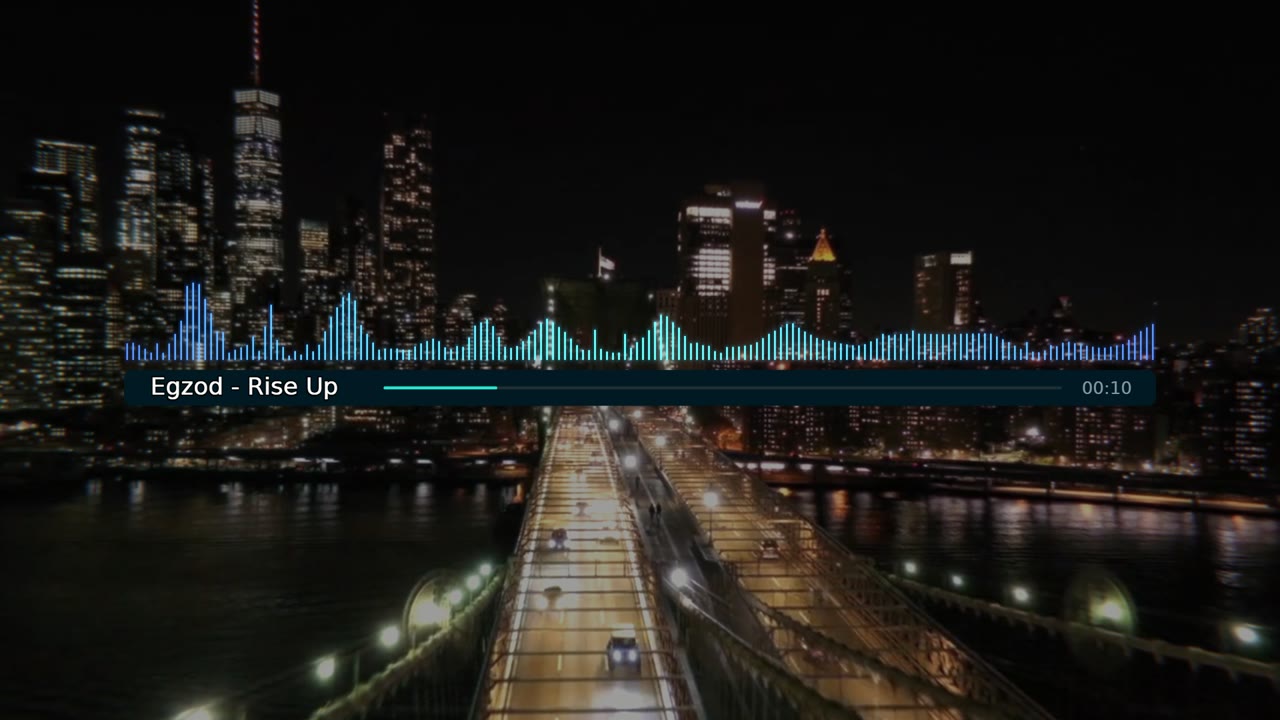
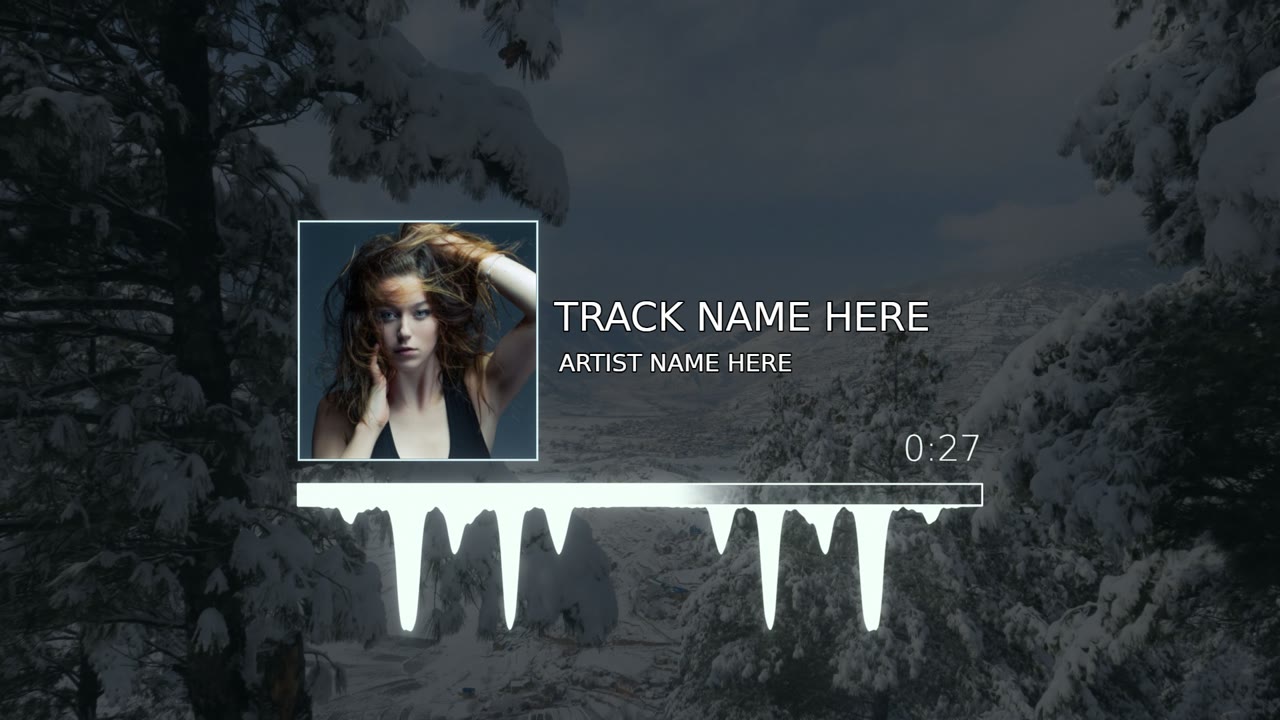
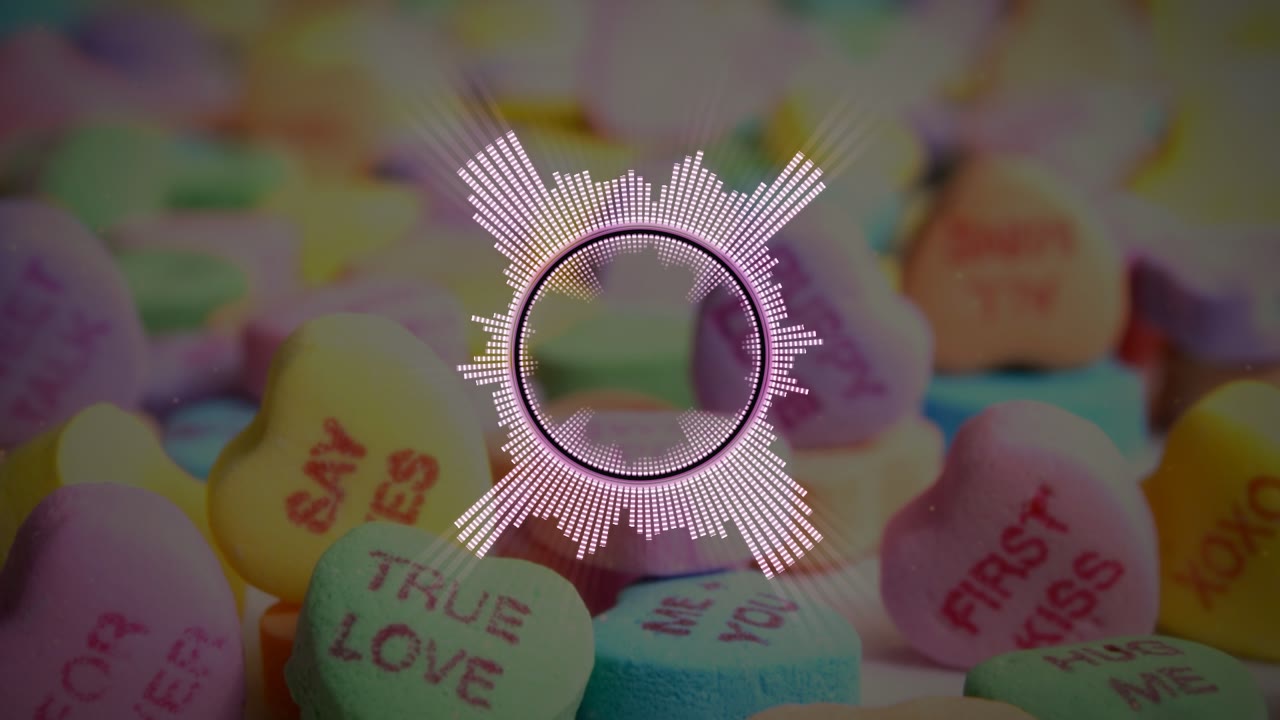
Each template is a complete music video look with a live preview — keep it as it is or make it yours.

How to make a music video
- 1
Upload your song
An MP3, WAV or other audio file up to 10 minutes long — or a video from your phone, and we use its sound.
- 2
Add your visuals
Pick a template, then add video clips, a photo slideshow, lyrics, cover art and titles. Effects pulse on the beat.
- 3
Export and share
Choose vertical, wide or square, pay once for that video and download an MP4 with no watermark.
Everything your music video needs
Your own video clips
Put your footage behind the music — one clip, or a playlist of clips that plays through the song.
Photo slideshows
Add up to 50 photos that change on the beat, with smooth transitions and a slow pan and zoom.
Lyrics on screen
Lyrics transcribed and synced for you, with karaoke highlights — or paste your own.
Effects on the beat
Zoom pulses, flashes, glitch, VHS and film grain driven by your track, plus visualizers that react to every frequency.
Cover art and titles
Your cover art, logo, artist name and song title, placed exactly where you want them in every format.
Ready for every platform
9:16 for TikTok, Reels and Shorts, 16:9 for YouTube and 1:1 for feeds, up to 1440p at 60 fps.
From $1.49 per video. No subscription.
Upload, edit and preview for free. When your video is ready, pay once for the quality you want — Full HD or 1440p, no watermark, nothing recurring.
See full pricingQuestions
Is the music video maker free?
Creating and previewing your video is free. You pay once per exported video, from $1.49 — no subscription, no watermark.
Do I need my own footage?
No. Every template makes a complete video from your song alone. Add a photo, your own clips or a slideshow only if you want to.
Can I make it on my phone?
Yes. The editor runs in the browser on phones and computers, and on a phone you can use the sound of a video as your song.
Can I use any song?
Use music you made or have the rights to. Platforms such as YouTube may claim or mute videos that use commercial music you don't own.
Which formats can I export?
An MP4 in 9:16, 16:9 or 1:1 — Full HD at 30 or 60 frames per second, or 1440p at 60.
More ways to make a video
Your song deserves a video
Upload a track and watch your music video come together in the editor — you only pay for the one you export.
Free to try. No subscription — pay only when you export. From $1.49 per video.