What's new in September 2026: lyric styles, slideshows, 16 languages
The Melo.Video team
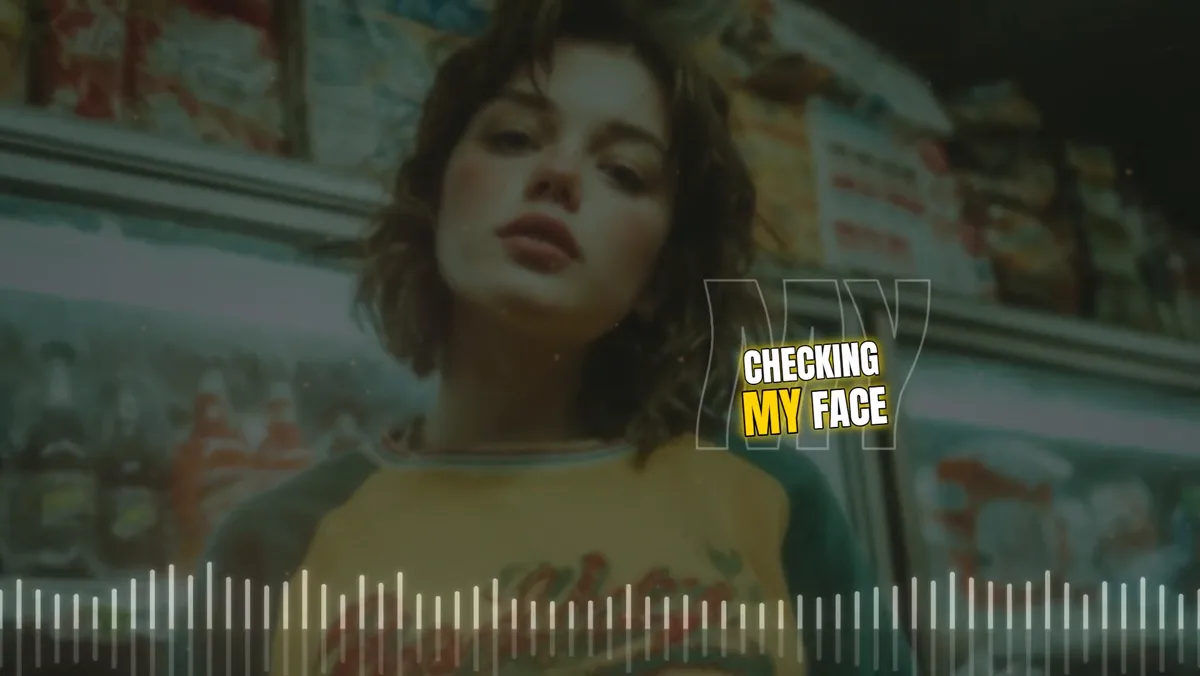
Melo.Video went live at the end of August. Since then we have kept improving it week after week. Here are the highlights from launch to the end of September.
Preview free, pay once per video
You can make and watch your whole video for free, then pay once for each video you export, with no subscription. The pricing page lists what each quality costs. You can sign in with Google or Facebook, and a new account goes straight to the editor without waiting for a confirmation email. When your video is ready we now email you, and on a phone a Save to phone button puts it in your photos or sends it straight to TikTok or Instagram.
Lyrics that move
The Lyrics tab now has seven one-click lyric styles: Classic, Dreamy, Poster, Neon, Karaoke, Bounce and Kinetic. Each sets the font, colour, size and motion at once. Lines can fade, rise or pop in, appear word by word or letter by letter, and leave with a fade, a scatter, a glitch or a blur. A karaoke highlight can fill the line as it is sung or light up the current word. The lyrics can also pulse on the beat, grow in the chorus, or show a giant faint echo of the sung word. Over a photo, they can even pass behind the person in the picture. Try it with the lyric video maker or the karaoke video maker.
Better automatic lyrics, or paste your own
A larger speech model now mishears fewer words. Each line stays on screen for as long as it is sung, and songs with a long instrumental intro no longer slip into the wrong language. You can choose the language yourself, or redo the lyrics in another one, and instrumentals no longer get made-up lines. If you already have the words, Paste your own lyrics places them on the timing of the singing, and the karaoke highlight still works (sync lyrics to a song).
Photo slideshows
The background photo now takes up to 50 photos. They change on the beat or every few bars, with cuts, crossfades, slides or zooms, and a slow pan and zoom on each photo. Slideshows work under almost every template. No song yet? The slideshow maker has free instrumentals to start with.
Backgrounds that move with the music
Every template with a background photo or video now has an Effects list: zoom pump, camera shake, shockwave, glow, light leaks, retro VHS, old film, glitch, particles and more, all driven by your song. Effects can land on the beat, burst open on the drop, and follow the drums, the bass or the vocals instead of the whole mix. Photos also get 3D effects: depth that moves the person against the background, a rim of light around them, or a spotlight that follows them. Backdrop Pulse is the template built around all of this, with your photo or video as the whole picture.
New templates
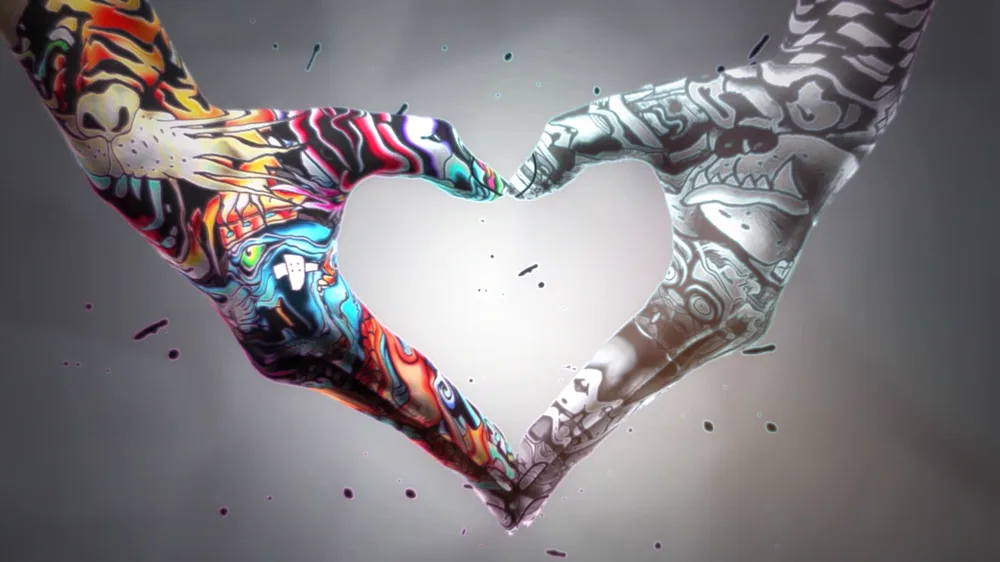
- Shutter Beat shows your photo through tall windows that open and close with the music.
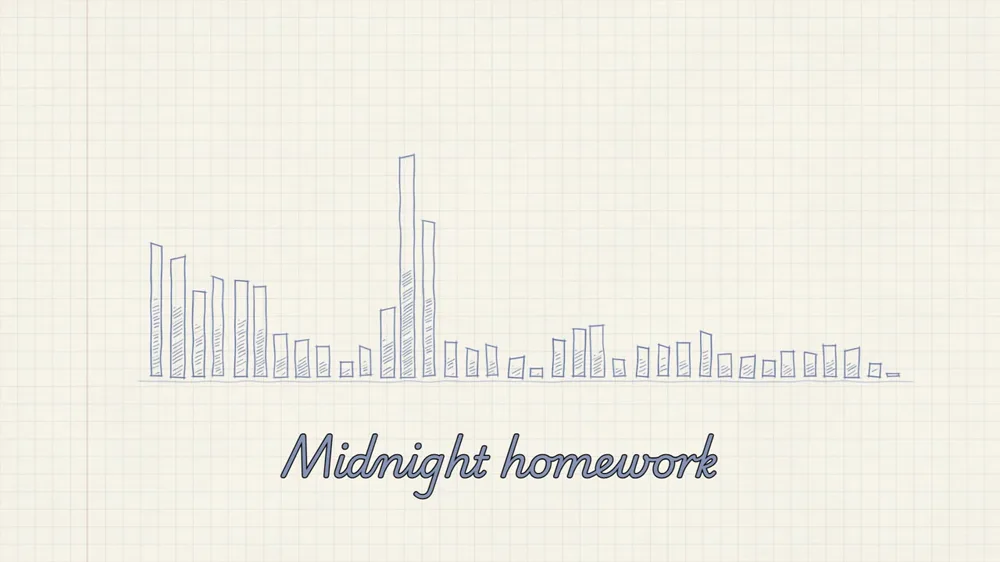
- Pencil Spectrum sketches pencil bars on squared notebook paper.
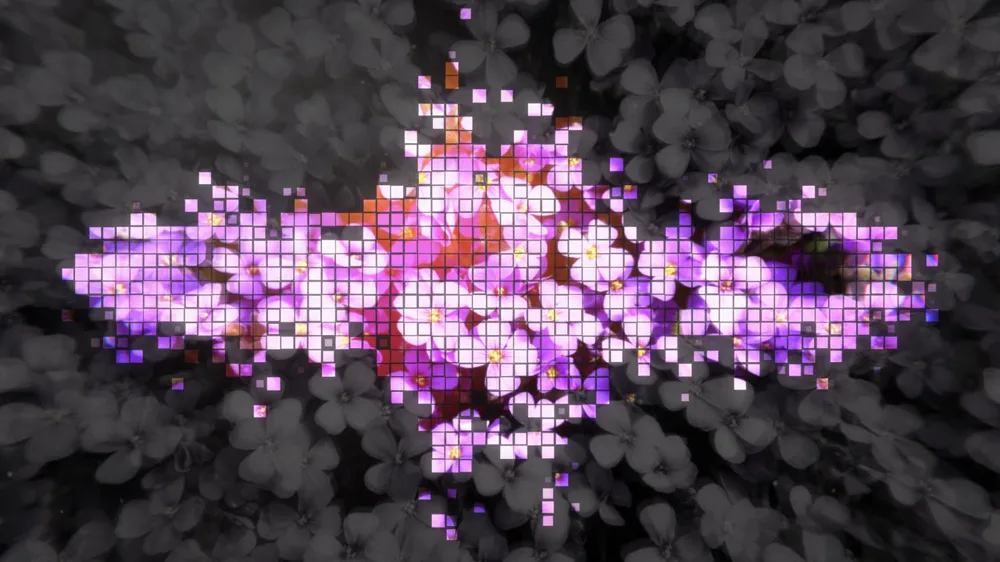
- Pixel Bloom brings your photo to life in square tiles that bloom to the sound.
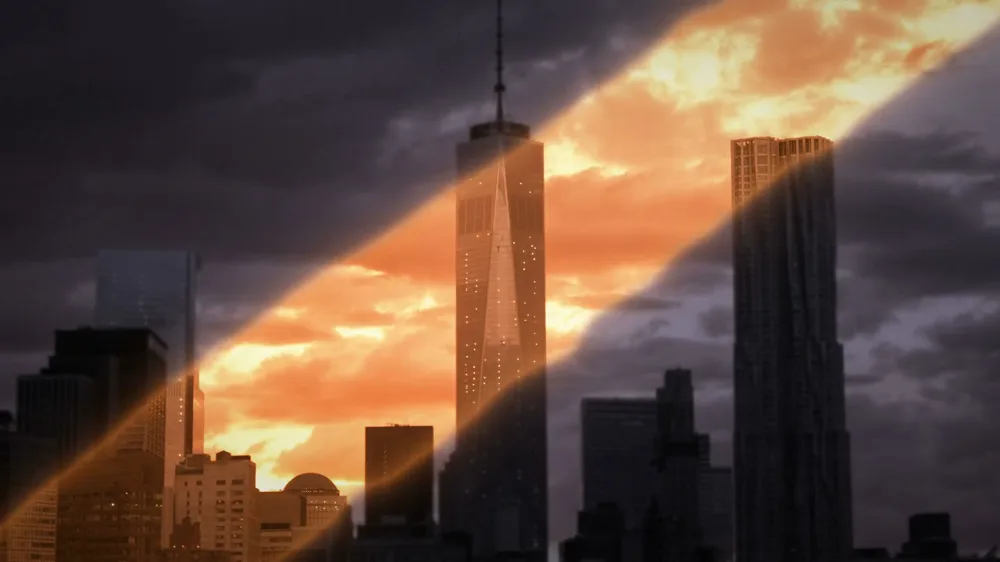
- Light Leak sweeps a warm band of light across your picture.
- Glass Spectrum is a row of glowing glass columns in a smoky studio.
Now in 16 languages
The app now speaks French, German and Spanish, and ten more: Chinese, Hindi, Arabic, Bengali, Brazilian Portuguese, Indonesian, Urdu, Japanese, Nigerian Pidgin and Egyptian Arabic, next to English, Romanian and Russian. In Arabic, Egyptian Arabic and Urdu the whole layout reads right to left.
Smaller improvements
- Only have your song as a video? Use a video's sound uploads just the sound.
- The preview has a fullscreen button, and a click or tap on it plays or pauses.
- Song uploads from phones are more reliable, and M4A files from Android recorders are accepted.
- The preview runs more smoothly on phones, and pages open faster on slow connections.
- Every account now has 2 GB of space for songs, photos and videos.