What's new in October 2026: 11 lyric styles, 30+ templates, song trim
The Melo.Video team
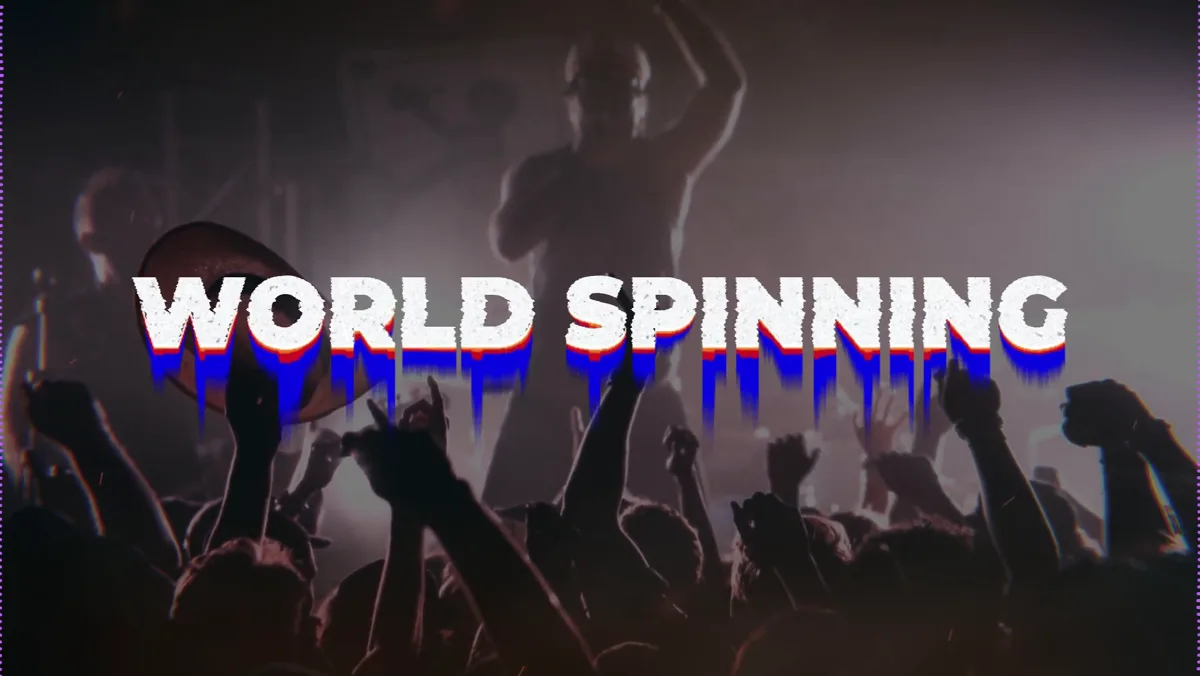
In October we added new ways to style your lyrics, made automatic lyrics more accurate, gave you a way to cut your song down to a short clip, and added a lot of new templates.
Eleven new lyric styles
The Lyrics tab has eleven new styles, each a complete look in one click:
- Drip: huge chunky capitals that drip paint as they land.
- Burn: big poster rows that burn away with a glowing edge and a few embers.
- Storm: one phrase at a time, filling the frame like a ransom note.
- Labels: bold capitals on coloured labels that swipe in from the sides.
- Flourish: flowing script written letter by letter, with calligraphic pen strokes.
- Snap, Zine, Doodle, Brush, Fisheye and Pour: stacked capitals that hop into place, cut-and-paste zine pages, rocking cartoon letters, brush strokes, a fisheye-lens swoosh and wet paint.
Every style works with any font, in vertical and wide videos, and its parts (how lines appear, leave and are laid out) are separate settings you can mix with other styles. See them on the lyric video maker.
More accurate automatic lyrics
- A new speech recognition engine makes about half as many word mistakes, places lines more precisely and finishes most songs in seconds.
- A proofreading pass then fixes clear mistakes. Lines it changed are marked "AI-corrected", with an undo.
- Have the words already? Paste them before anything is transcribed, and the song is only listened to for the timing (sync lyrics to a song).
- In the lyrics review you can add a line and set its timing by hand while the song plays.
- Lyrics in Chinese, Japanese, Korean, Thai, Hindi and other scripts now appear in exported videos exactly as in the preview.
Trim your song
A new Audio tab cuts a shorter video from your song, such as a 30-second clip for Reels, TikTok or Shorts. Drag two handles on the waveform, or pick 15, 30, 60 or 90 seconds starting on the drop or the chorus. The cut snaps to the beat and fades in and out gently. Lyrics and effects line up with the clip, your full song is kept, and a trimmed export costs the same as a full one. Handy for a TikTok lyric video.
More than 30 new templates
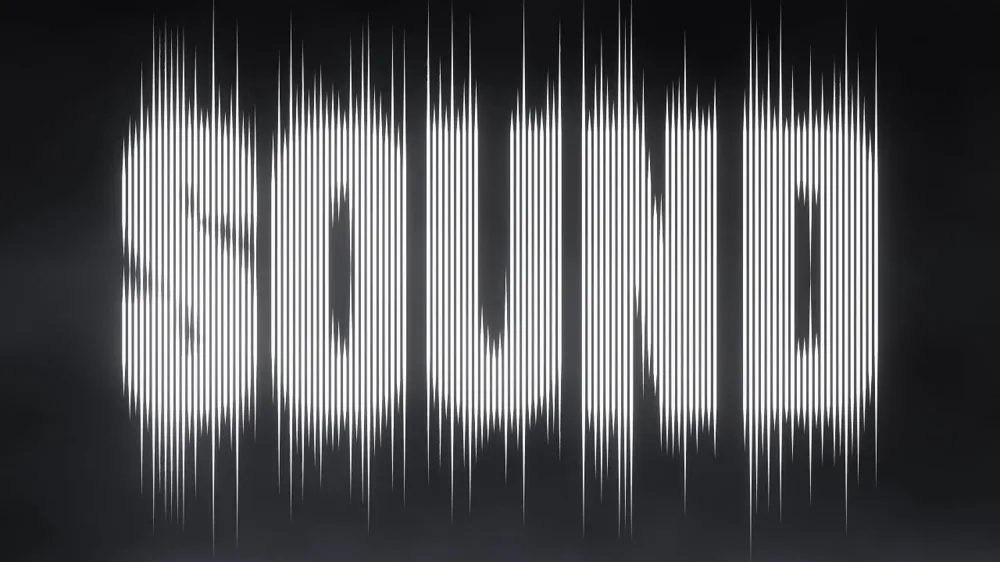
- Words as visualizers: type a word and Soundwave Lettering, Cutout Lettering or Glitch Type turn it into the picture, in any font.
- Clean and simple: Minimal Ring, Minimal Square, Minimal Triangle, Minimal Line, Minimal Edge and Twin Lines leave the spotlight on your photo.
- Tunnels and 3D: Neon Tunnel with ten designs, Arc Tunnel, Wave Tunnel and Vinyl Orbit.
- Records and rings: Blaze Ring spins your record in a ring of fire; Compact Disc, Pulse Disc and Neon Loops put your cover in the middle.
- Built around your photo: Honeycomb Bloom, Kaleidoscope and Glowing Light.
Browse them all on the music visualizer page.



New background looks
New effects for your photo or video include rain on glass, fog, light rays, lens flare, smoke clouds, camera sway, a grunge overlay, an Oil painting look, and Double exposure, which shows a second photo inside the person in your picture. Particles now include rain, fireflies, confetti, bubbles, embers and comets, and they work even without a photo. Drops in your song are found far more often, and the Drop effect hits much harder. You can also let the camera moves follow the drums while the light follows the singer.
Slideshows gained six transitions (wipe, blur, light sweep, flash, glitch and whip spin) and two mixes that stay calm in quiet parts and hit hard on the drop (slideshow maker).
Five more languages
Italian, Korean, Polish, Turkish and Vietnamese join the list, for 21 languages in all. The Japanese version was also reviewed line by line so it reads more naturally.
Smaller improvements
- You now stay signed in for up to 400 days on each browser.
- The play controls sit right under the preview, like on a video player.
- Text blocks can be aligned left, centre or right.
- Deleting a song no longer deletes the videos you exported from it.
- Videos with a busy moving background export cleaner and smaller.
- Made a song for someone? The new song gift video page shows how to turn it into a video.