Sticker lyrics, photo slideshows and the Holo Pillars template
The Melo.Video team
This update brings a new lyric style, a new kind of video you can make from your photos, a new visualizer template and a colourful new background look.
Sticker: lyrics typed as they are sung
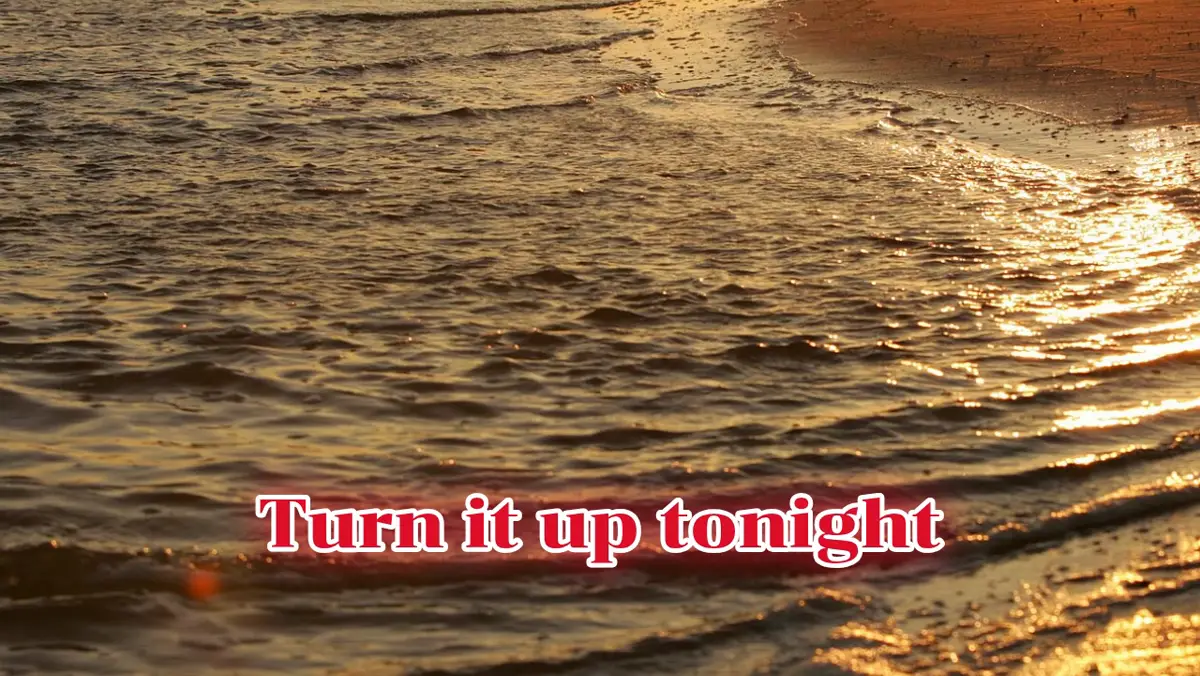
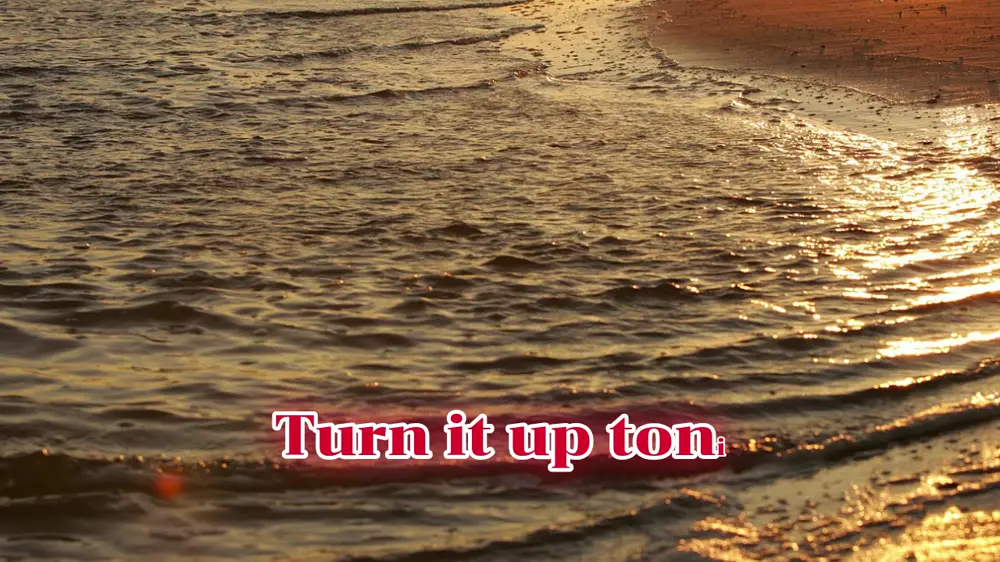
Sticker puts one line low in the frame in chunky red letters with a white outline and a soft halo, like a sticker caption. The line is typed in letter by letter as the words are sung: each letter grows up from the baseline, and the line stays centred while it grows.
The pieces are also choices of their own, so any style can use them. Type is a new way for lines to appear, and the Outline switch, which until now was always thin and black, has an Outline color and an Outline width. Sticker works with any font you pick, in landscape, square and vertical videos.
Try Sticker in the lyric video maker
Photo slideshows
You can now make a slideshow without starting from a song. Add up to 100 photos, mix in short video clips, and pick music from the free library, upload your own, or leave it silent. Each photo can carry a caption, and the slideshow can open with a title and end with a closing line.
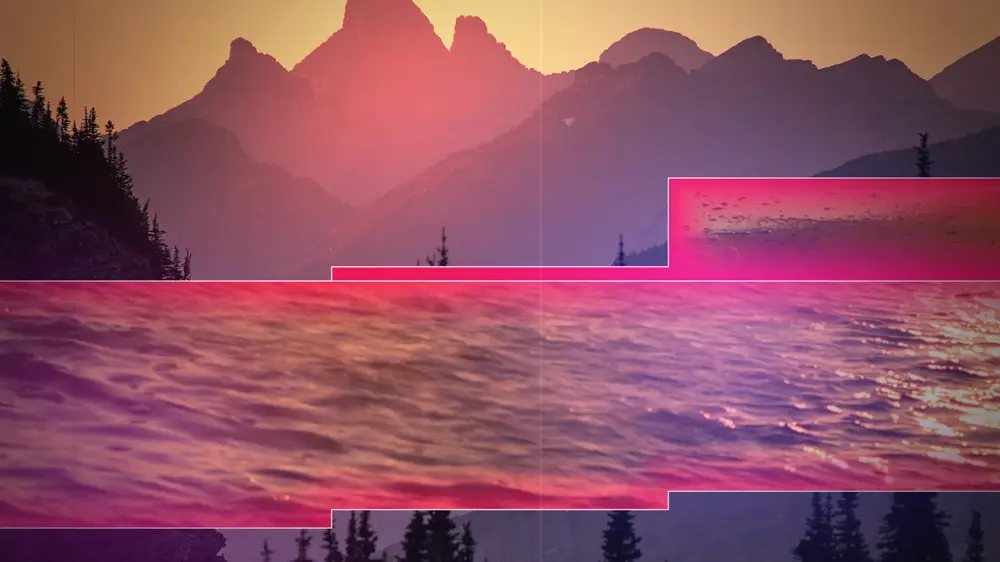
There are two templates to start from, Classic and the new Daydream. In Daydream each photo arrives behind a two-part staircase wipe with a thin white edge and a coloured glow, under drifting pink and blue light leaks, a soft vignette and a touch of film, with captions on coloured bars that wipe in. Picking a template sets the transition and the caption look, and never changes how long each photo stays on.
There is also a new Panels transition: the next photo arrives in rectangular panels that fade in one after another, each sliding into place and turning from black-and-white to colour. You'll find it in a slideshow's Style tab, and in the slideshow settings of a music video's background.
Holo Pillars: your song as a hologram
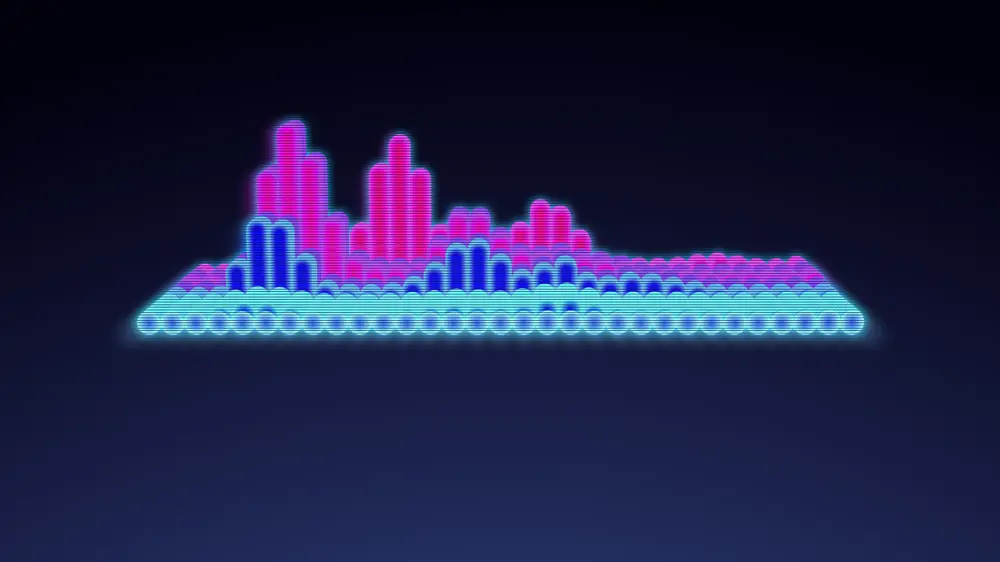
Holo Pillars shows your song as a floating slab of glowing capsule columns, electric blue with cyan edges. Every hit rises at the front and rolls back through the depth, and loud passages turn the columns pink. Fine scan lines and a soft glow make it look projected.
You can move and resize the slab, change the number of columns, its tilt and its depth, and choose whether it follows the bass or the whole song. Six colour presets are included, or pick your own colours, and a photo or video can play behind it.
Color cycle: a gradient that keeps turning
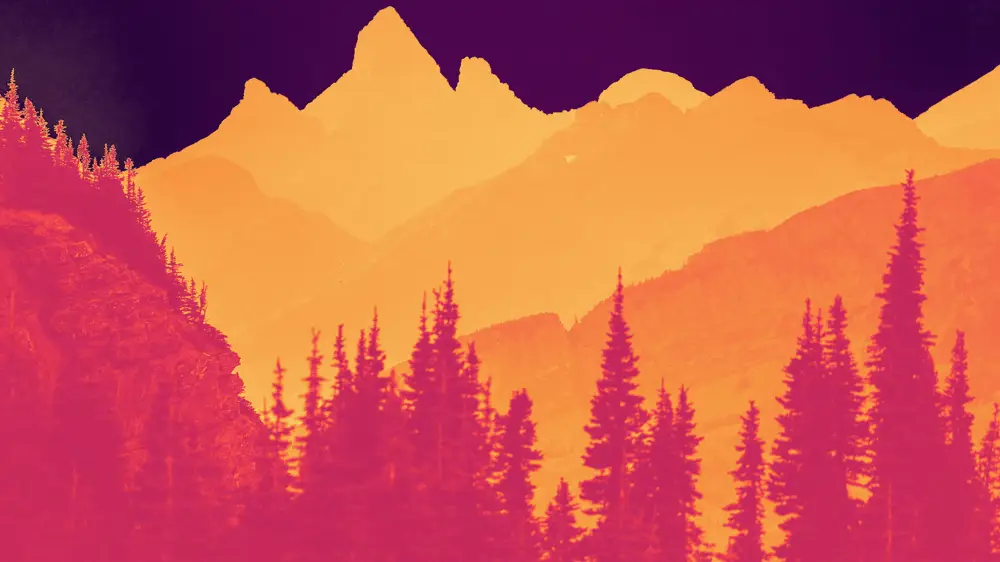
Color cycle is a new background look that paints your photo or video with a gradient that keeps turning. Pick one of twelve palettes, from rainbow and sunset to black-and-gold noir, or choose your own three colours. Speed sets how fast the colours turn, and Bands sets whether they lie in broad areas or tight, liquid stripes. By default the colours jump ahead on each kick of your track; choose Steady to let them turn smoothly.
Try it in the music visualizer
Smaller improvements
- 15 minutes of automatic lyrics. Automatic lyrics are now free for 15 minutes of audio instead of 10, and every account got the extra 5 minutes. As before, the time refills in full each time you buy a video export.
- Glints. A new choice in Particles: small white star flares that pop up across the background and fade, with a few larger ones on each hit of the song.
- Two more Mirror modes. The Mirror effect gains a turning four-petal kaleidoscope and a top-to-bottom flip.
- One upload button. The dashboard has one "Upload an audio or video file" button. Pick a video and you are asked whether to use just its sound or the whole video as your background.