Holo Pillars
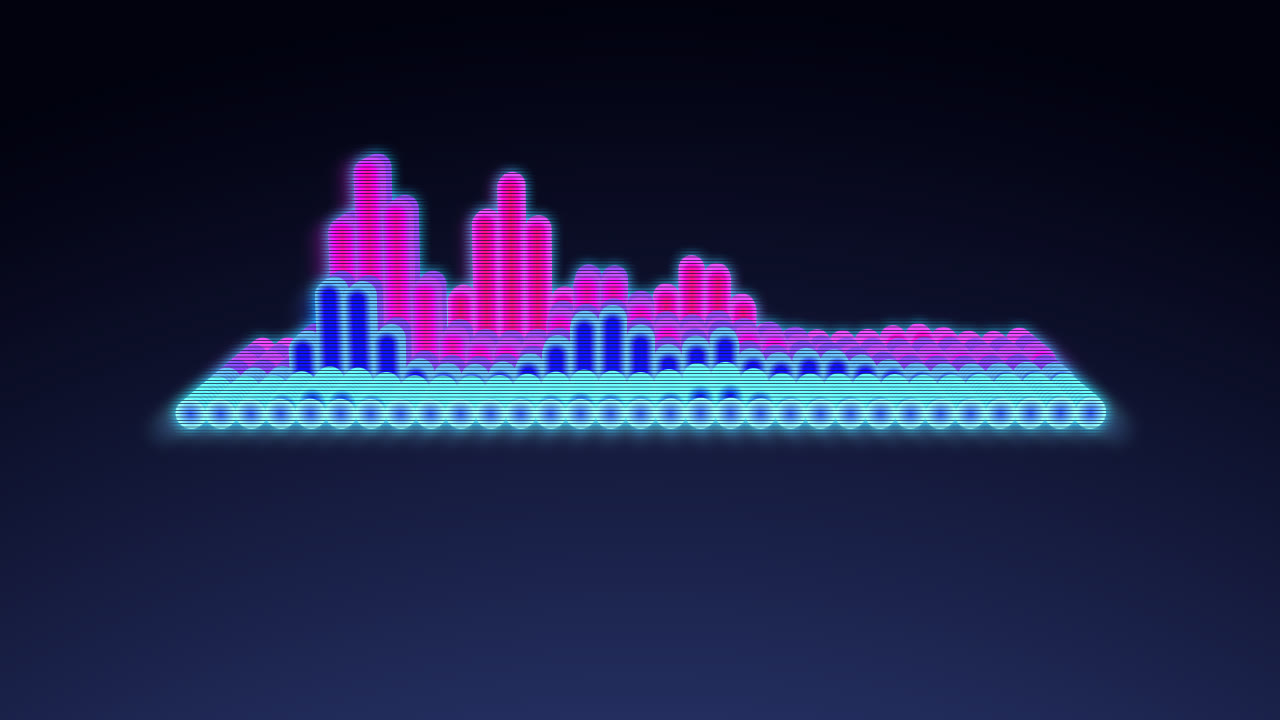
A floating hologram of glowing capsule columns: the spectrum stands up as a 3D slab whose depth replays the last third of a second, over a navy night.
Preview free in your browser · No subscription · Pay only when you export · No watermark
Demo videos
Every demo is a real render of this template. Start from one to get exactly this look.
No demo videos yet — try the template with your own track.
About this template
Shape and layout
A slab of rounded columns floats in the middle of the frame, seen slightly from above: 31 frequency bands from deep bass to the low mids side by side (16 in portrait), each extruded back into the picture over a soft navy gradient. You can move and resize it, tilt the view, and change the column count and depth.
Motion
The front row follows the bass as it plays, and each row behind it shows the spectrum a moment earlier, so every hit rises at the front and rolls back through the slab. The columns step twelve times a second, the colours turn round the wheel on loud passages, and the view moves in slightly with the beat.
Look and colour
Electric blue cores with cyan edges, fine dark scan lines and a soft glow with short rays make the slab read like a projected hologram. Presets change the palette, and a photo or video can sit behind it.
What you can customize
Every setting below is yours to change in the editor, with the live preview updating as the track plays.
Visualizer
- Color preset
- Hologram is the original cyan and blue; Custom lets you pick every colour.
- HologramSunsetVioletEmeraldIceGoldCustom
- Spectrum color
- Spectrum edge color
- Background color
- Background glow color
- Hue shift
- How far loud passages turn the pillars' colours around the colour wheel; 0 keeps them fixed.
- Peak height
- How tall the pillars grow at full level.
- Audio reactivity
- Attack
- Release
- Frequency range
- Bass spreads 1–300 Hz over the columns, as in the original; Full spreads the whole range, from bass to treble.
- BassFull
- Columns
- How many columns stand side by side; the slab keeps its width.
- Column gap
- The space between the columns: lower makes them fatter, higher thinner.
- Horizontal position
- Vertical position
- Size
- Makes the slab bigger or smaller, so it fits wherever you move it.
- Tilt
- How far the camera looks down on the slab, from side-on to steeply from above.
- Depth
- How deep the slab runs back, and so how much of the spectrum's recent past it shows.
- Glow
- The soft light around the pillars and the short rays they cast.
- Scan lines
- The thin dark lines across the slab that make it read as a hologram. Zero removes them.
Background
- Background photo
- Background video
- Background dimming
- Background blur
Backdrop effects
Effects for your photo or video backdrop, shared by every template.
- Zoom pump
- Travel
- Camera shake
- Camera sway
- Shockwave
- Lens
- Zoom blur
- Glow pulse
- Light leaks
- Light rays
- Light sweep
- Lens flare
- Fog
- Smoke clouds
- Particle overlay
- Rain on glass
- Echo
- Neon edges
- Glitch
- Pixelate
- Beat pulse
- Perspective tilt
- Liquid
- Flash
- Retro VHS
- Old film
- Backdrop grain
- Grunge overlay
- Dirty lens
- Oil painting
- Watercolor
- Pencil sketch
- Pop art
- Camcorder
- Damaged film
- Memories
- Tritone grain
- Daydream
- Duo wash
- Trippy
- Compression
- Distorted
- Color cycle
- Color grade
- Duotone
- Motion follows
- Light follows
- Texture follows
- Drop
- Follow the song
- Hue drift
- Depth parallax
- Focus rack
- Depth fog
- Keep subject crisp
- Subject rim light
- Subject ghost trails
- Subject pop
- Subject spotlight
- Beat sync
- Focus pulse
- Vignette pulse
- Mirror
- Double exposure