Wave lyrics, Glass Rods and two new slideshow templates
The Melo.Video team
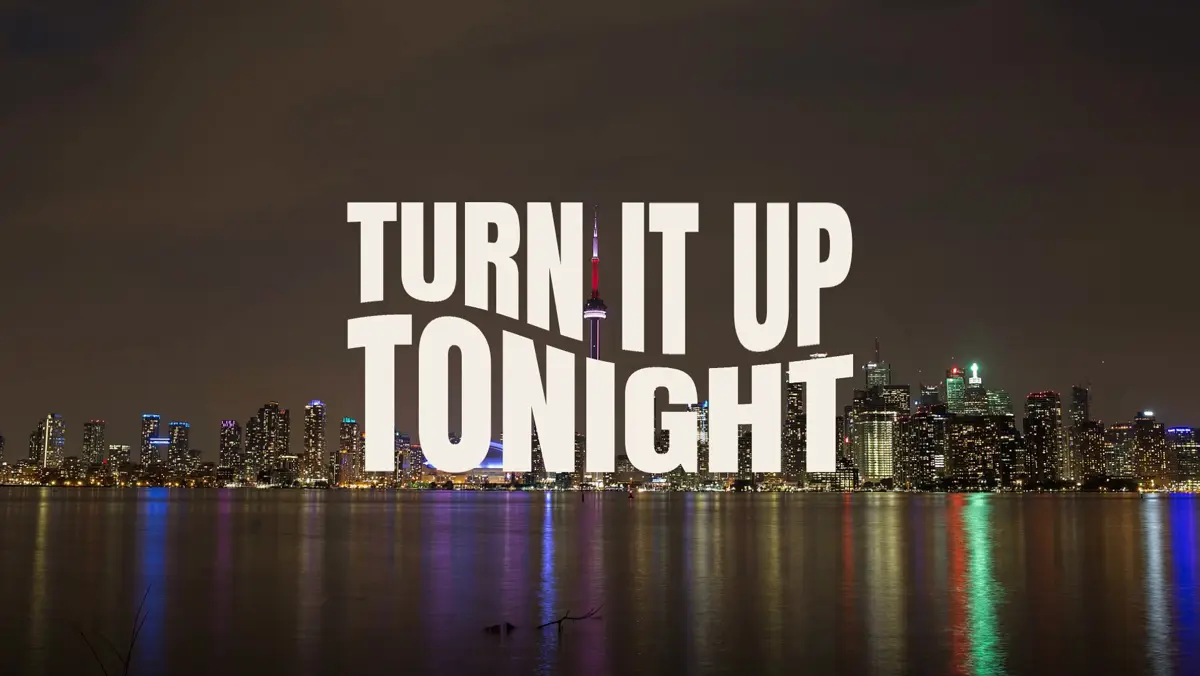
This update brings a new lyric style, a new visualizer template and two new photo slideshow templates.
Wave: lyrics that bend with the beat
Wave shows up to four words at a time in two rows of big cream capitals, both rows the same width. The rows meet at one wavy seam: where it dips, the top row's letters stretch down and the bottom row's shrink, and the other way round where it rises. The seam drifts slowly and jumps and swells on every beat of your song.
Wave works with any font and language, in landscape, square and vertical videos, and its layout is a choice of its own under Layout, so any style can use it.
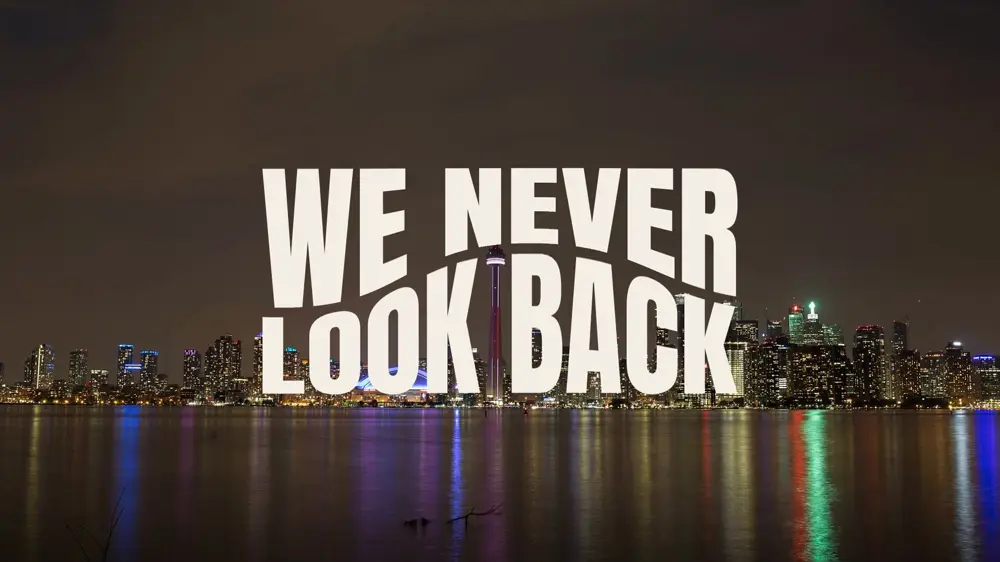
Try Wave in the lyric video maker
Glass Rods: your song in clear glass
Glass Rods puts a row of clear glass rods in front of your photo or video, split into two mirrored halves, and each rod grows up and down with the music. Each rod works like a small lens: the picture behind it shows through flipped and squeezed, with polished edges that catch the light. Outside the rods your picture stays sharp, and in quiet moments each rod rests as a small glass bead.
Your cover art can sit in the gap between the halves. You can change the number and thickness of the rods, how strongly the glass bends the picture and how much it shines, and make the glass clear, tinted or any colour.

Keepsake: your photos as paper prints
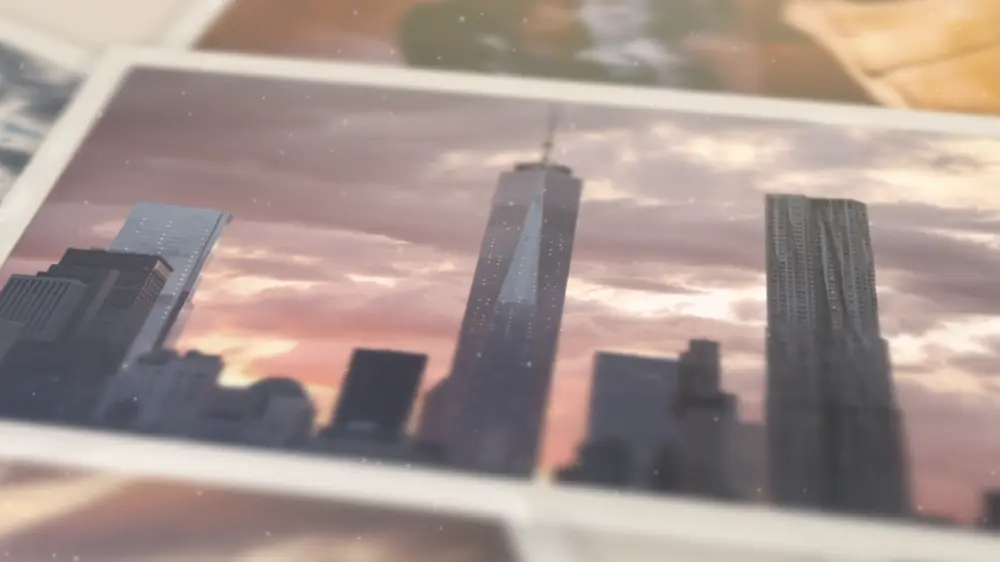
Keepsake turns every photo into a paper print with a cream border. First the prints lie in a pile on a table and the camera glides slowly over them, with the print in front sharp and the rest softly out of focus. Then each print floats on its own in front of a cream background and straightens as it comes into focus. Soft daylight, haze and drifting dust sit over it all.
Captions are printed in ink on the print's bottom border, and the title and closing line appear in gold lettering before the first photo and after the last. Video clips play inside their print, and a Lens blur slider sets how dreamy the depth of field is.
Darkroom: a flight through framed prints
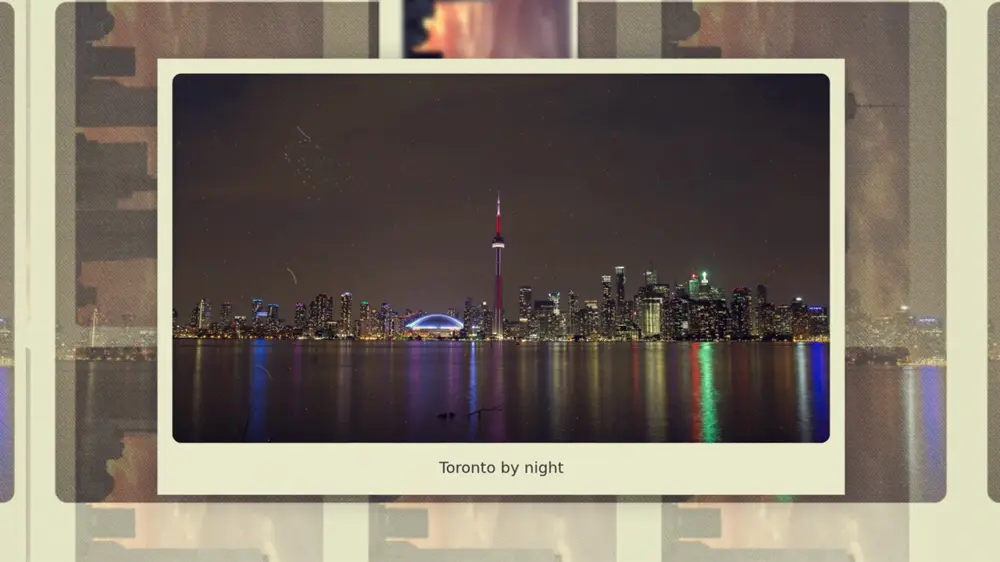
Darkroom turns every photo into a framed print standing in space, and the camera flies from one to the next, sometimes pulling back so the new print sweeps in past you, sometimes gliding sideways to the one beside it. The prints you have seen stay where they were, so the slideshow reads as one continuous flight. Behind each print its own photo repeats as a soft wall of tiles, and a warm, slightly aged colour look sits over everything.
Captions are printed on the frame's bottom border. The print scenes from Keepsake and Darkroom are also choices in the Style tab's Photo motion setting, so any slideshow can use them.
Smaller improvements
- Pick a slideshow template in a dialog. The Style tab shows the template you are on and a "Change template" button. The dialog plays each template's demo videos, and "Use this configuration" takes a demo's look while your photos, captions and music stay as they are.
- Demo videos on the slideshow page. The photo slideshow page opens with demo videos of the slideshow templates, and you can start your own slideshow from any of them.
- A font of its own for the title. A slideshow's title and closing line can have their own font and size, separate from the photo captions.
- Easier reordering. A long photo list scrolls by itself while you drag, and each photo's menu can move it to the start, the end or a position you type.