12 new background looks: watercolor, retro film, dreamy light, glitch
The Melo.Video team
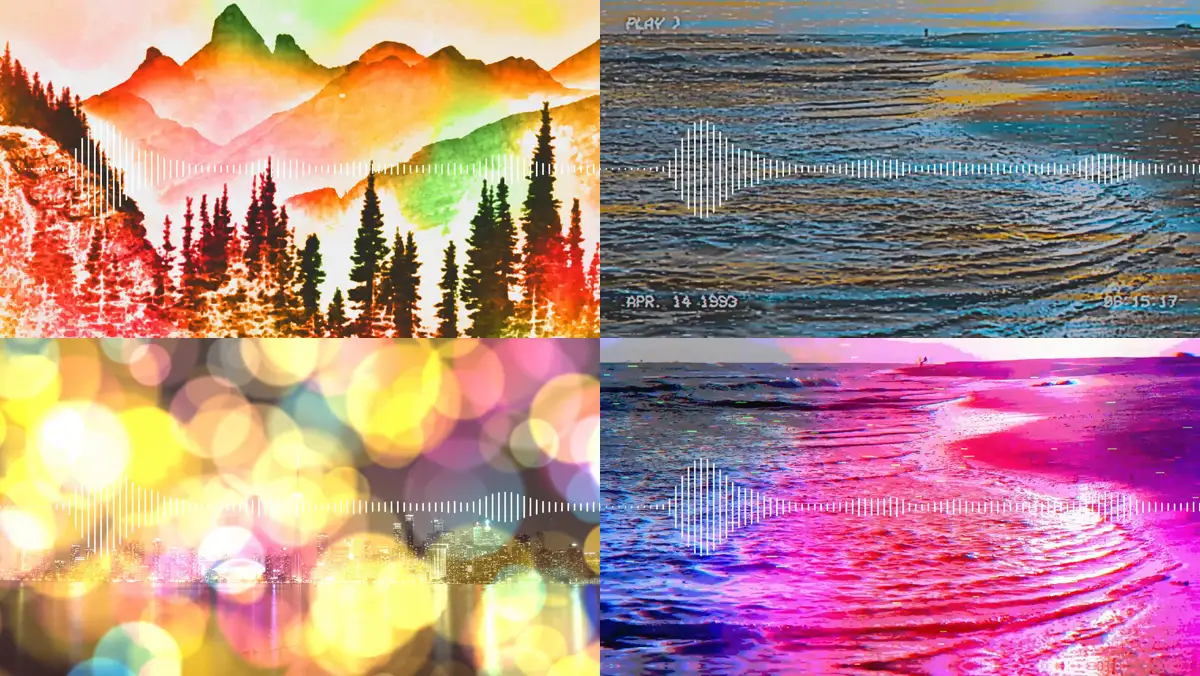
This update is all about the picture behind your music. Twelve new looks can change your photo or video into a painting, an old tape, a dream or a glitch. You'll find them with the other background effects in the editor, and they work on every template that shows your photo or video.
Every new look follows the same simple pattern. Pick one of its ready-made styles, or choose your own colours. Set how strong it is. Then decide how it moves: by default it reacts to the beat of your song (it follows your "Texture follows" choice), or pick Steady to keep just the look's own calm movement. You can also stack looks on top of each other.
Turn your picture into art
- Watercolor paints it in soft washes of colour, with ink outlines and paper texture. Pick one of eight colour sets or choose three colours of your own.
- Pencil sketch draws it on paper, from fine lines to charcoal and coloured pencil, or in an ink colour you choose.
- Pop art prints it as a comic-book poster with a halftone dot screen. The palette changes on the strongest beats.
They combine with each other and with Oil painting, so a sketch with a watercolor wash on top is one click away.
Go retro
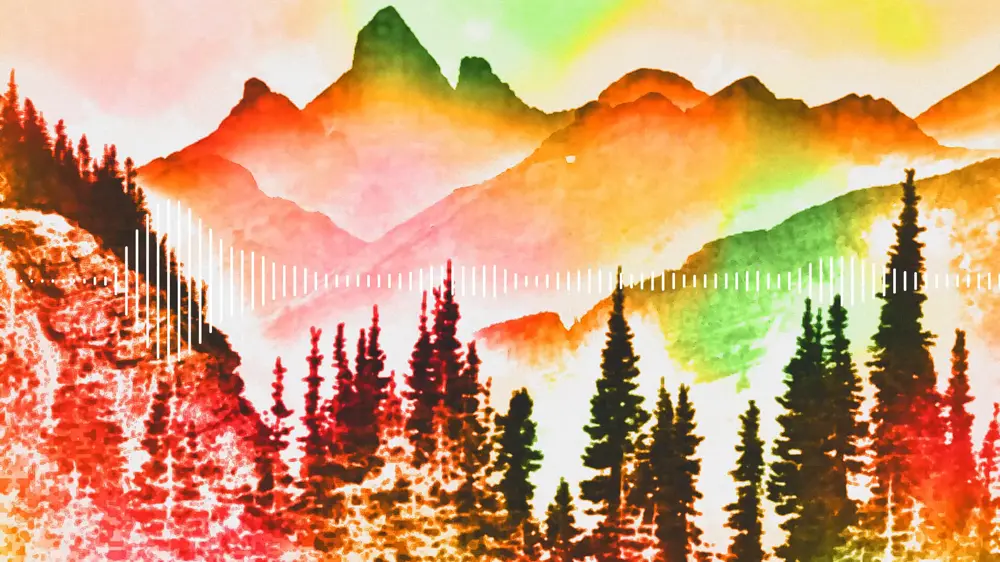
- Camcorder turns your video into a home-video tape, with wobbling rows, colour fringes and tape dropouts. It even shows the camera's on-screen text: PLAY, a date you can change and a running clock. You can turn the text off.
- Damaged film makes it old projected film, with tinted black and white, flicker, dust, scratches and a shaking frame.
- Memories gives it the faded colours and soft edges of a home movie, with streaks of coloured light, and an optional dark rounded film frame.
- Tritone grain prints it in three colours with heavy grain and a little glitter.
Add soft, dreamy light
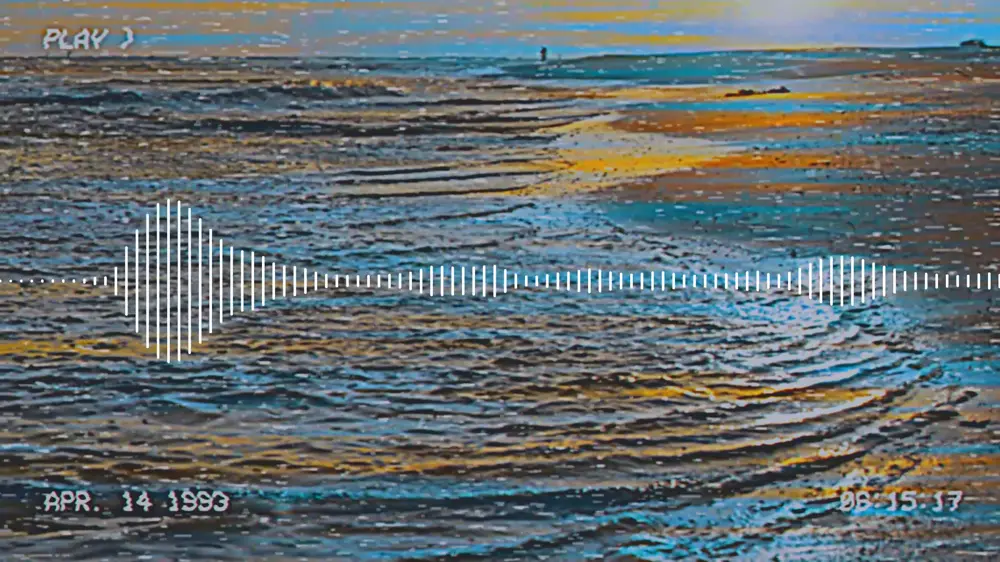
- Daydream gives your picture a hazy tint and floats large, out-of-focus circles of light over it. On each kick, the circles swell.
- Duo wash sweeps two colours across the picture while keeping its blacks and whites, with streaks of light that flash on the beat.
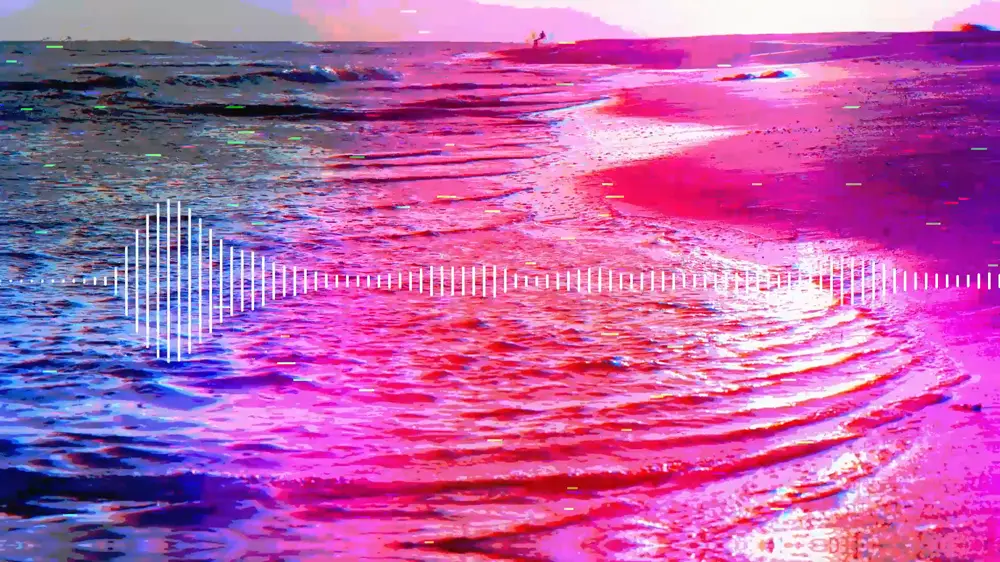
Break it up on purpose
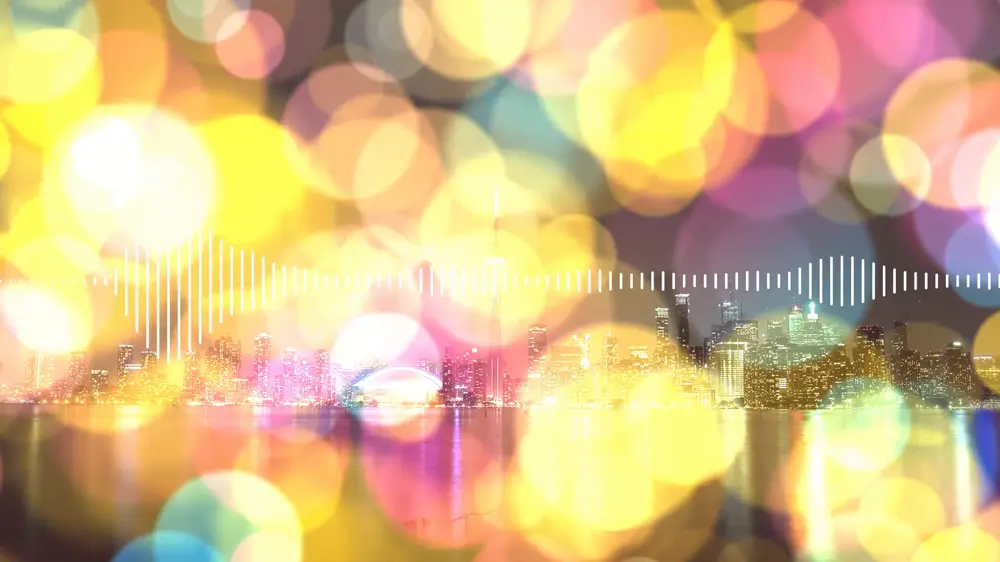
- Trippy splits your picture into red, green and blue copies that swim apart through a moving lens.
- Compression makes it look like a badly broken video file: crushed colours, blocky pixels and colour bleeding sideways.
- Distorted posterizes it under a drifting wash of three colours, tears rows sideways and adds scan lines.
These three hit on the kicks of your song, which makes them a good match for electronic music, hip-hop and anything with a strong beat.
Try them
Pick any template, add your photo or video, and open the background effects. A clean template such as Minimal Line lets the look take centre stage. The new looks work for a music visualizer, a lyric video or a photo slideshow, and as always, the full preview is free.
Also fixed: on older versions of Chrome, the preview could stop while a word was being painted on in the Brush lyric style. It now plays as it does in current browsers.