Tumble lyrics, four more languages and sharper photos
The Melo.Video team
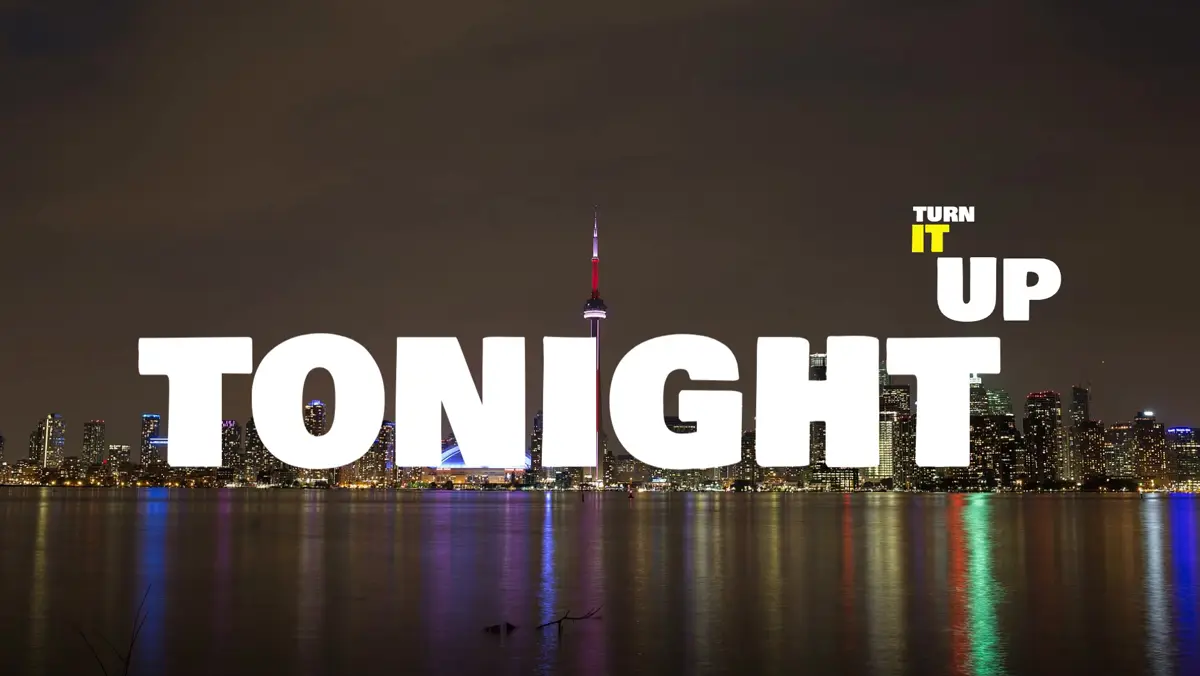
This update brings a bold new lyric style, the app in four more languages, and sharper backgrounds when you use your own photos.
Tumble: one huge word at a time
Tumble puts your lyrics in the middle of the frame one word at a time, as big as they fit, in heavy white capitals with some words in bright yellow. Each new word lands with a strong motion blur, and the words before it don't just disappear: they are carried along as a small group, pushed into a corner, turned on their side, flipped upside down or flung away. When a line ends, its words drop off the screen one after another.
Every part of Tumble is also a choice of its own, so you can mix it into any style: Tumble under Appear, Shed under Disappear and Chain under Layout. It works with any font you pick, in landscape, square and vertical videos. While Chain is on, the Appear and Disappear lists show the animations that work with it, so every pick you see makes a difference.
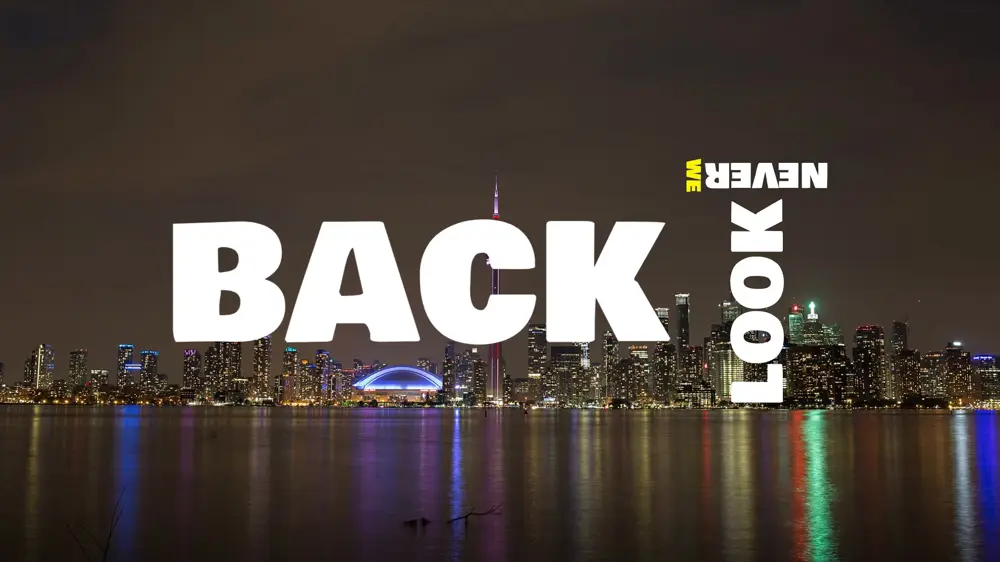
Try Tumble in the lyric video maker
Now in Thai, Traditional Chinese, Ukrainian and Filipino
Melo.Video now speaks four more languages, for twenty-five in all. Everything is translated into them: the editor and your account pages, the homepage, the template and pricing pages, the emails, and the names and tips of every template setting and background effect. Prices and numbers are written the way each language writes them.
If your browser is set to Thai, Ukrainian or Filipino, the site opens in that language on your first visit. A browser set to Traditional Chinese, as is common in Taiwan, Hong Kong and Macau, now opens in Traditional Chinese rather than Simplified. You can switch languages at any time from the language menu at the top of the site.
The new translations were drafted by machine and haven't yet been reviewed by native speakers. If something reads oddly, send us a support ticket from your account and we'll fix it.
Sharper photos in your videos
Photos you add as a background are now kept at up to 1440p instead of 720p, so your export stays sharp instead of stretching a smaller picture to fill the frame. This matters most when you export in Full HD or 1440p. Stock photos you pick in the editor are fetched larger for the same reason.
Photos you added before this update keep their current size. To get the sharper version, add the photo again.
Smaller improvements
- Empty text blocks no longer block saving. Until now, if you cleared all the text from a text block, your changes stopped saving and the Export button did nothing, without any message. An empty block is now simply saved as it is and left out of the video.
- The pricing page lists everything an export includes: the whole song, word-by-word automatic lyrics in 100 languages, every template, the lyric styles and animations, more than 40 background effects that react to the music, and a 14-day refund. It also says that if you spot a typo after exporting, a support ticket gets you up to 3 free re-exports of the same project at the same quality.