Lyrics only, full-length video backgrounds and a new font dialog
The Melo.Video team
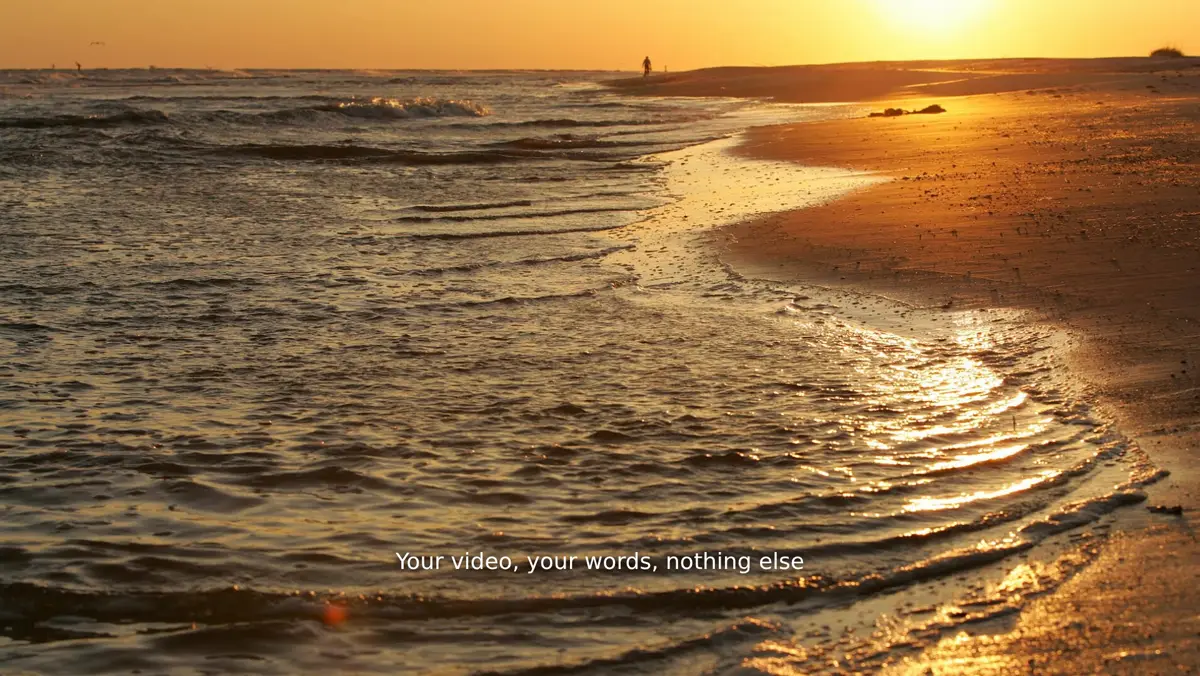
This update is for everyone who mostly wants their own footage and their words on it: a way to start with no template look at all, background videos as long as the song, and a much better way to choose a font.
Lyrics only: your video, your words, nothing else
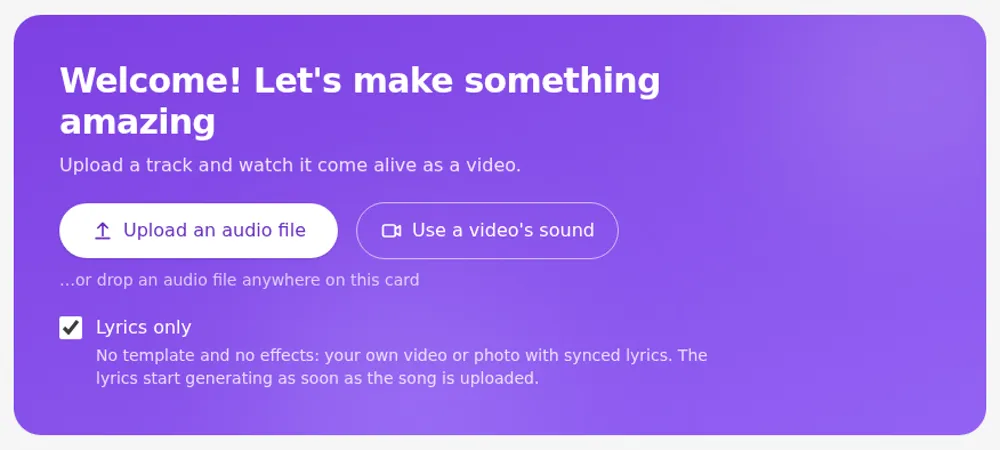
Some of you only add synced lyrics to your own videos and switch every effect off on each new project. Now there is a start for exactly that. Turn on Lyrics only under the upload button on your dashboard, and your song opens on the Lyrics tab with every effect off, no title text, and the lyrics already being generated. Your video or photo stays untouched, with the lyrics in the lower third.
The switch is remembered, so every next song starts the same way. You'll also find Lyrics only as the first row when you choose a template in the editor. Picking a template later brings the usual looks back.
One video as the whole background
Your own video can now be the background of the entire song. Background videos can be as long as the song itself, up to 10 minutes and 2 GB, so there is no need to cut a long video into pieces any more. They no longer have to match the shape of your video either: a different shape is cropped to fill the frame.
When you pick a video file as your song, choose Sound + video as background. The editor opens straight away in the video's shape while the upload finishes, and then the video plays behind your lyrics in step with the song, even when you trim the audio. Background videos also keep more of their quality in the exported video.
A font dialog you can browse
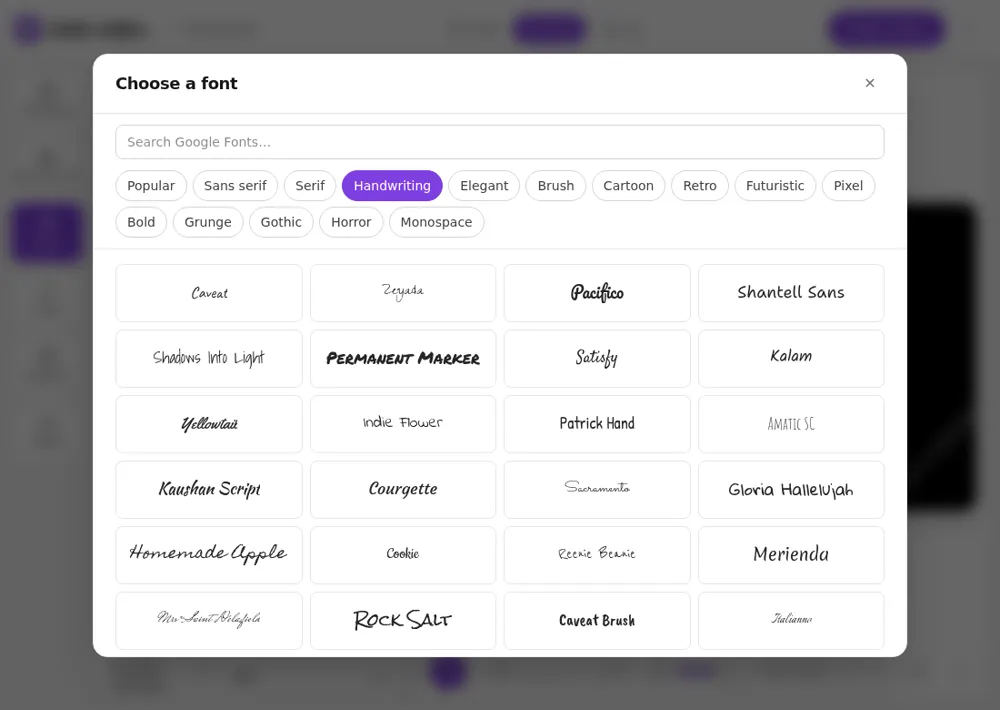
Choosing a font used to mean searching a small list. It now opens a dialog with all of the about 1,900 fonts as cards in their own lettering, the most used first. Browse by category (Popular, Sans serif, Serif, Handwriting, Elegant, Brush, Cartoon, Retro, Futuristic, Pixel, Bold, Grunge, Gothic, Horror and Monospace), search by name, or pick from the fonts you used recently at the top.
If your lyrics or text are in Cyrillic, Arabic, Hindi, Korean or another non-Latin alphabet, the dialog lists the fonts that actually have those letters, with a switch to show all. The same dialog is used for lyrics, text blocks and templates with a font setting of their own.
Install Melo.Video as an app
Melo.Video can now sit on your home screen, dock or taskbar. On Android, and in Chrome or Edge on a computer, press Install in the "Your video is ready" popup or on your dashboard. On an iPhone or iPad the same button shows the three taps in Safari's Share menu. The app opens straight to your videos in its own window.
Smaller improvements
- The editor preview starts sooner. It now prepares only the effects your video actually uses, so it appears faster on every device, and videos with several effects play more smoothly on laptops and mid-range phones. Exported videos look exactly as before.
- The preview always has sound on a first visit. It used to start muted in a browser that had never changed the volume, with no way to unmute on a phone.
- No more "Translate this page?" from Chrome when the app is already in your language.
- Our homepage and template pages load much faster on a slow connection.