Chroma lyric style, moving colours, and an animation gallery
The Melo.Video team
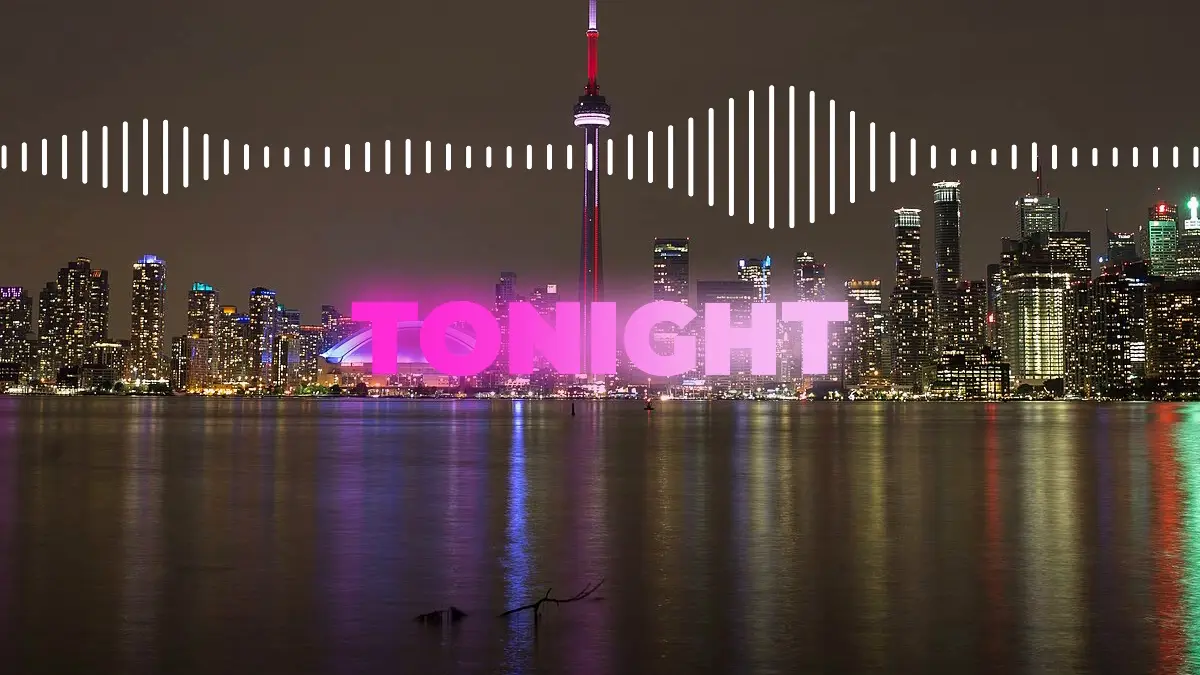
This update brings colour to your lyrics: a gradient that moves with the song, a new lyric style built around it, and a much easier way to pick how your lines come in and go out.
Lyrics in moving colours
A new Gradient setting in the Lyrics tab fills your words with two colours that blend into each other. Choose how it moves:
- Flowing: the colours drift across the words on their own, in a slow, steady wave.
- On the beat: the colours sweep on to the next shade on every beat of your song, so the lyrics pulse in time.
Pick Neon, Sunset, Ocean or Rainbow, or choose Your colors to use the text colour and highlight colour you already set. It works with every lyric style, so you can add it to the look you already have.
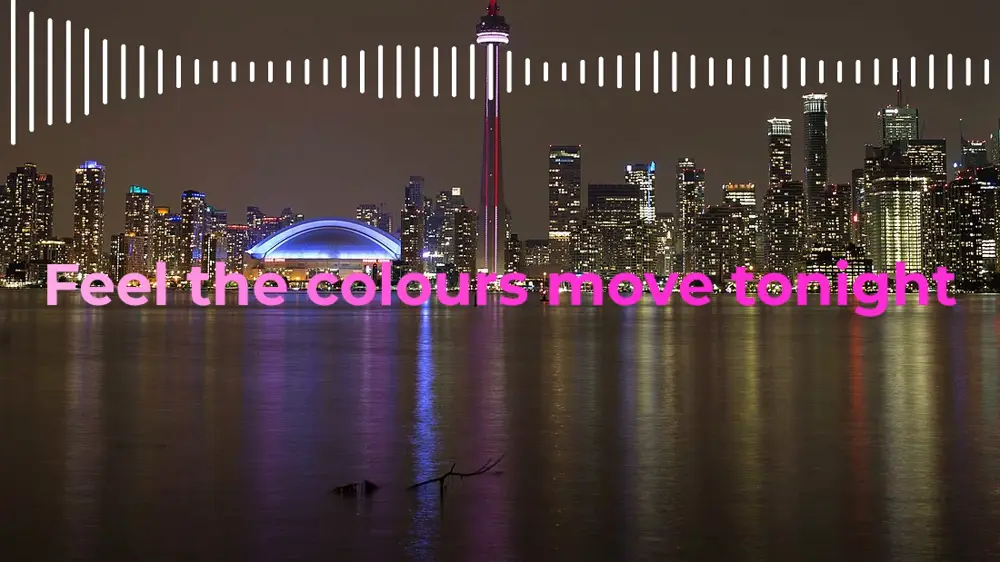
Chroma: one word at a time, in neon
Chroma shows your lyrics one word at a time, in big, heavy capitals with a soft glow, low in the frame. Each word lands stretched wide and snaps to its shape the moment it's sung, then cuts straight to the next. Its neon colours change on every beat.
Chroma's pieces are also choices of their own, so you can use them in any style: One word under Layout and Slam under Appear.
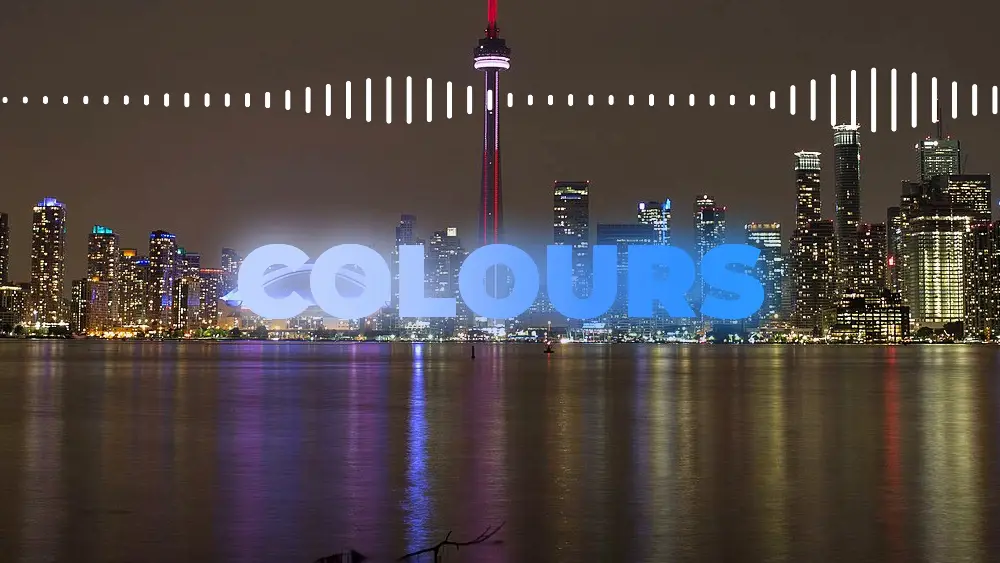
Try Chroma in the lyric video maker
See every animation before you pick it
There are now 32 ways for a line to appear and 28 ways for it to leave. Until now, the only way to see what one did was to pick it from a long list and play your song to the next line.
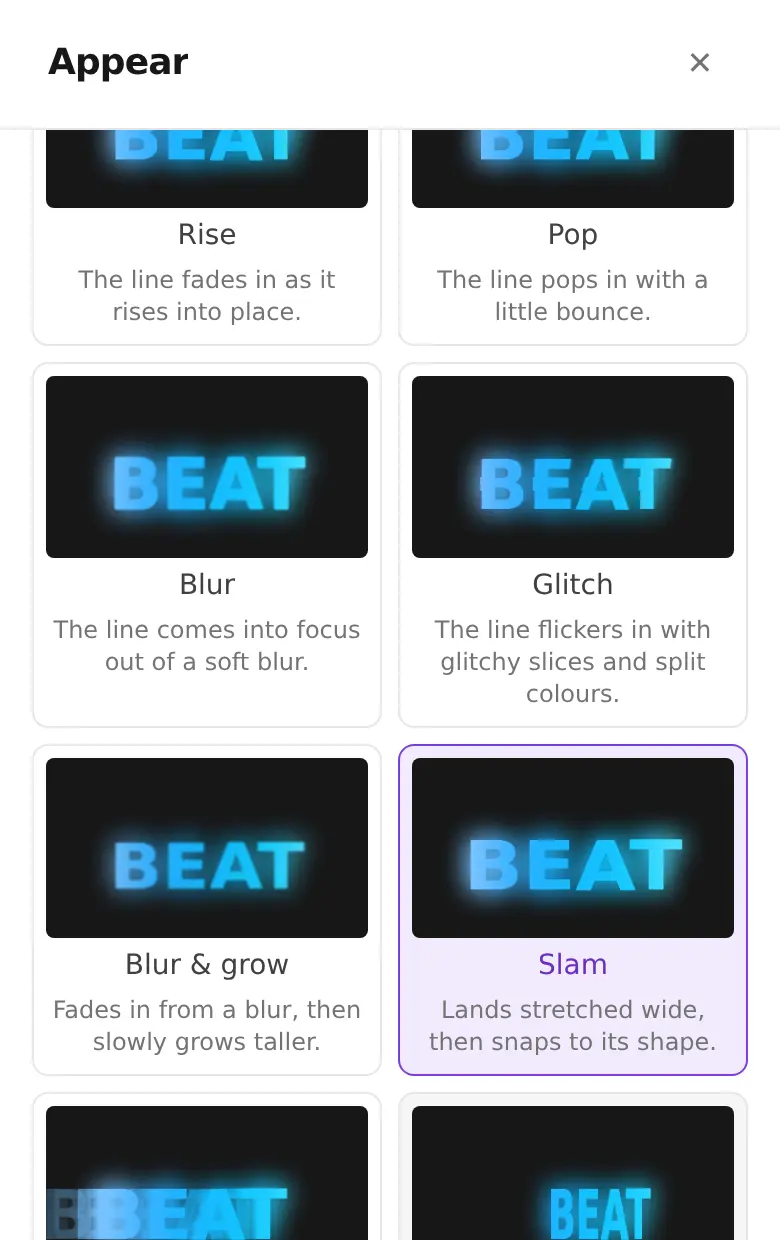
Now Appear and Disappear open a gallery where every animation plays on its own small card, in your own font, colours and layout, with one line under each saying what it does. They're grouped by kind (whole line, word by word, letter by letter, paint and ink, and mixes) so you can find what you like quickly.
Tap an Appear animation to use it. For Disappear, tick as many as you like and they take turns, line by line.
Smaller improvements
- Show a text for just part of the video. Turn off "Show for the whole video" on a text, then drag its start and end on the waveform or type the times. It fades in and out right there, in the preview and in the finished video.
- Cleaner lyrics by default. Lyrics in every style no longer have a thin dark outline around the letters. A new Outline switch brings it back when you need it, for example over a bright background.